- Yopitek Ltd/
- Products/
- ALFA Network Wireless Adapters/
- ALFA AWUS1900 — AC1900 Quad-Antenna High-Power Dual-Band USB Adapter/
ALFA AWUS1900 — AC1900 Quad-Antenna High-Power Dual-Band USB Adapter
Table of Contents
Product Overview#
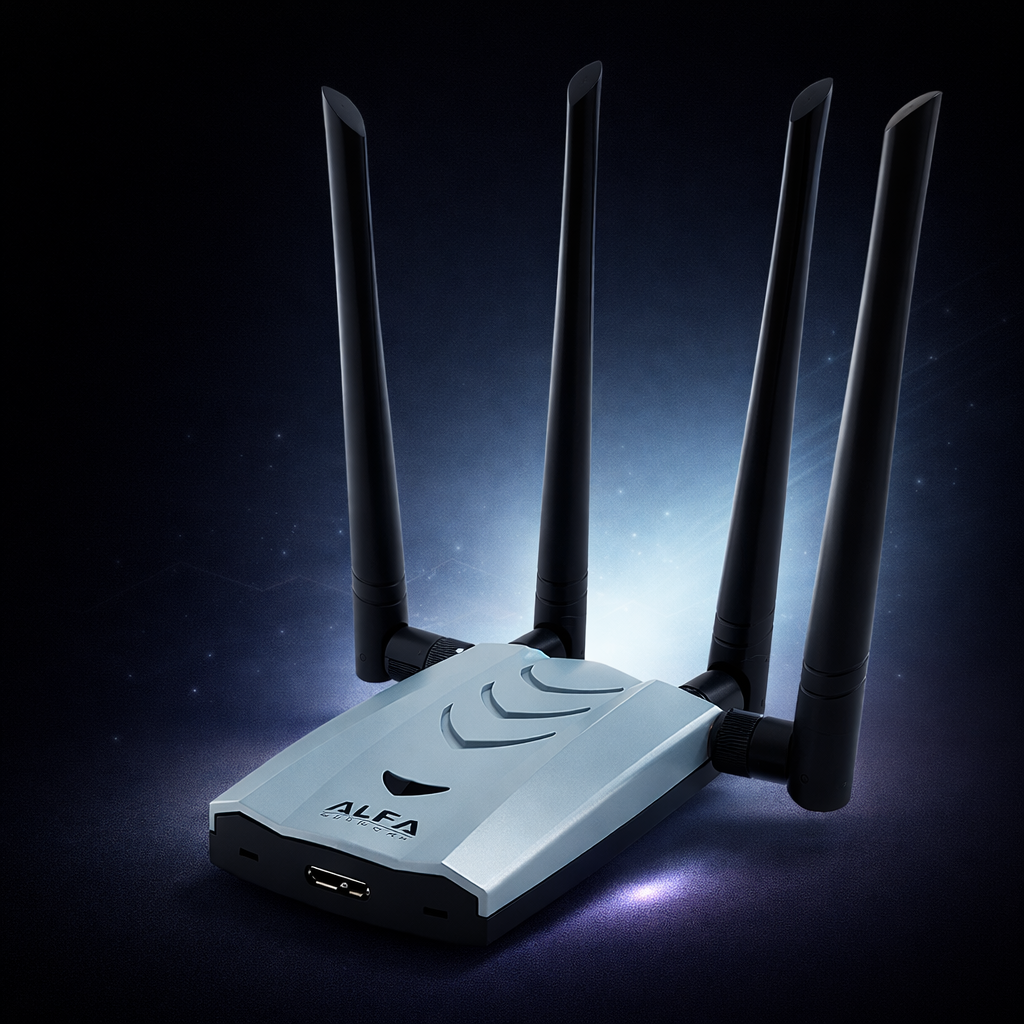
The AWUS1900 is ALFA Network’s AC1900 dual-band flagship wireless adapter. It supports IEEE 802.11ac, features four external RP-SMA antennas with 4×4 MIMO technology, and delivers industry-leading signal reception strength. With its USB 3.0 interface and high-power design, it is the preferred choice for penetration testing scenarios that demand maximum signal capture capability.
Specifications#
| Item | Specification |
|---|---|
| Model | AWUS1900 |
| Wi-Fi Standard | IEEE 802.11 a/b/g/n/ac |
| Frequency Band | Dual-band 2.4GHz / 5GHz |
| Antenna | 4 × Detachable antenna, RP-SMA |
| Antenna Connector | RP-SMA female × 4 |
| Interface | USB 3.0 |
| MIMO | 4×4 MIMO |
OS Compatibility#
| OS | Support Status |
|---|---|
| Windows | ✅ Driver required |
| Linux | ✅ Supported |
Key Features#
- 4×4 MIMO AC1900: Up to 600 Mbps on 2.4 GHz and 1300 Mbps on 5 GHz simultaneously
- Realtek RTL8814AU Chipset: Proven driver support across Linux distributions, including Kali Linux
- Four Detachable RP-SMA Antennas: Upgrade each antenna independently; all four ports accept standard RP-SMA accessories
- USB 3.0 Interface: Delivers full AC1900 bandwidth without USB 2.0 bottleneck
- High-Power RF Module: Extended range for capturing signals across larger environments — ideal for multi-floor audits or open-plan spaces
- Kali Linux Ready: Compatible with morrownr/8814au driver; monitor mode and packet injection verified
Monitor Mode & Packet Injection#
| Feature | Status |
|---|---|
| Monitor Mode | ✅ Supported (RTL8814AU) |
| Packet Injection | ✅ Supported |
| Soft AP Mode | ✅ Yes |
| Bluetooth | ❌ No |
| USB 3.0 | ✅ Required for full AC1900 speeds |
Kali Linux & Linux Setup#
Install the RTL8814AU driver on Kali Linux or Ubuntu:
sudo apt update && sudo apt install -y dkms git linux-headers-$(uname -r)
git clone https://github.com/morrownr/8814au
cd 8814au && sudo bash install-driver.sh
After installation, enable monitor mode:
sudo ip link set wlan0 down
sudo iw dev wlan0 set type monitor
sudo ip link set wlan0 up
Why Choose the AWUS1900?#
The AWUS1900 is the right choice when you need maximum antenna count and extended range rather than portability. Its four antennas provide superior spatial diversity, making it the top pick for:
- Large-venue wireless assessments (warehouses, hotels, campus buildings)
- Dense 802.11ac environments with many overlapping BSSIDs
- Long-distance signal capture where the extra gain offsets cable loss
- Research environments that require simultaneous monitoring on both bands
If portability is the priority, consider the AWUS036ACH for a compact dual-antenna AC1200 alternative.
What’s in the Box#
- 1× AWUS1900 adapter
- 4× Detachable RP-SMA antennas
- 1× USB 3.0 cable
- 1× CD driver (optional; Linux driver via GitHub recommended)
Driver Downloads#
| Platform | Link |
|---|---|
| Driver Download | ALFA Official Driver Repository |
| Official Documentation | ALFA Product Documentation |
Compatible Antenna Upgrades#
All ALFA adapters feature a standard RP-SMA connector. Upgrade with an optional external antenna for greater range and gain:
| Antenna | Frequency | Gain | Type |
|---|---|---|---|
| ALFA APA-M04 | 2.4 GHz | 7 dBi | Indoor Panel |
| ALFA APA-M25 | 2.4 / 5 GHz | 7 dBi | Dual-Band Indoor Panel |
| ALFA APA-M25-6E | 2.4 / 5 / 6 GHz | 7 dBi | Tri-Band Indoor Panel |
| ARS 25-57A | 2.4 / 5 GHz | 2.5 / 7 dBi | Outdoor Omni |
| ARS NT5B7 | 2.4 / 5 GHz | 5 / 7 dBi | Omni |