Turn Foot Traffic Into Marketing Gold With YPB03 LINE Beacon
Table of Contents
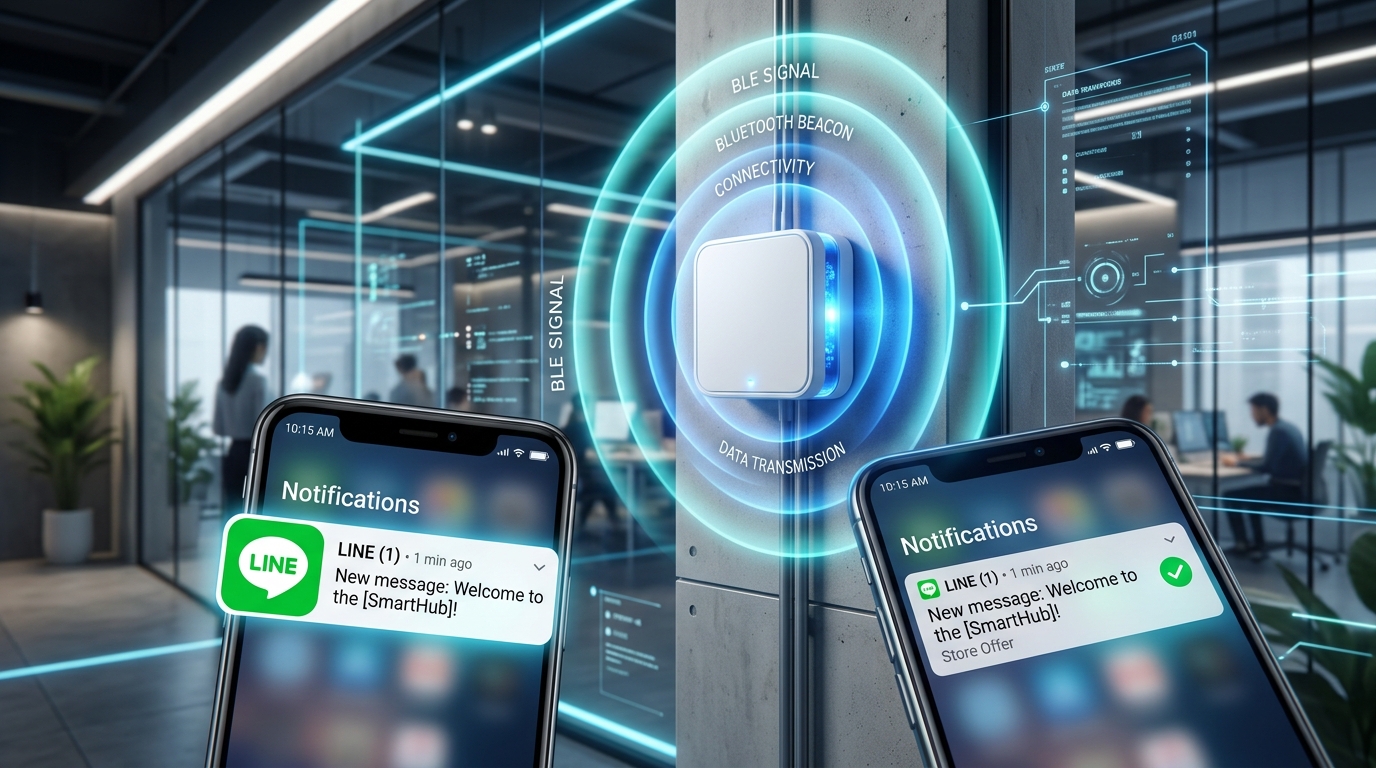
Picture this: a customer walks into your store. Without downloading any extra App, their LINE chat lights up with a warm welcome message, a same-day discount coupon, or a nudge toward your latest hero product. That is not magic—it is LINE Beacon, the fusion of Bluetooth proximity sensing with the LINE platform.
This guide walks enterprise marketing teams and project developers through building a complete LINE Beacon deployment on the industrial-grade long-range YPB03 device. From registering a LINE developer account and tuning the BLE broadcast parameters, to implementing a Python Messaging API Webhook receiver, you will learn how to convert physical foot traffic into high-value digital marketing assets.
Why Choose YPB03 as Your LINE Beacon Hardware?#
The Bluetooth Beacon market is crowded, but stable, commercial-grade—or even demo-ready—LINE Beacon deployments live or die by hardware specs. Here are the core strengths that set YPB03 apart:
- Ultra-Long Range Broadcast (240 m): A high-gain antenna pushes the signal up to 240 meters in open environments. Exhibition halls, hypermarkets, and multi-floor retail spaces are all covered effortlessly.
- 10-Year Battery Life: Four standard AA cells deliver a combined 5800 mAh. At the default broadcast interval the device runs for nearly a decade—freeing your team from the maintenance hell of constant battery swaps.
- IP65 Industrial Protection: An ABS and silicone-sealed enclosure provides dust and splash resistance. Deploy with confidence in humid warehouses or semi-outdoor environments.
- Flexible Mounting: A bundled screw-on wall bracket locks the device securely to walls, columns, or beams.
How LINE Beacon Drives OMO Marketing—And Proven Deployments in Taiwan#
LINE Beacon has earned its place as an OMO (Online-Merge-Offline) powerhouse because it closes the single biggest gap in physical retail: the inability to track customer behavior. It delivers high-incentive, real-time interaction at the moment of physical proximity.
Core Marketing Playbooks#
- Precision Real-Time Greeting: The moment a customer enters range (the
enterevent fires), push a personalized welcome or a grab-and-go coupon—intercepting passers-by right at the door. - Interactive Check-In and Stamp Rallies: Distribute multiple Beacons across mall zones or counters. Visitors unlock stages or accumulate points at each location, then redeem LINE Points or physical gifts inside LINE—turning exploration into a game.
- Offline-to-Online Retargeting: Log each Beacon contact with its timestamp and frequency. Brands can then re-engage this “verified in-store” audience through the LINE Ads Platform (LAP) for precision Retargeting.
Proven Deployments in Taiwan#
LINE Beacon already powers high-profile deployments across Taiwan’s largest public venues and leading brands:
- Taipei MRT Commuter Surprises: Taipei MRT installed LINE Beacon units across major transit hubs (Taipei Main Station, Ximending, Zhongxiao Fuxing, and more). Commuters with Bluetooth and LINE enabled receive event notifications during their ride. Through “Surprise Train” stamp-rally missions, riders collect puzzle pieces to redeem free LINE Points—converting millions of daily commute trips into interactive digital marketing assets.
- Taiwan Lantern Festival in Taipei (Smart Exhibition Guide): The 2023 Taiwan Lantern Festival in Taipei deployed 350 LINE Beacon units across four exhibition zones. As visitors approached a specific lantern installation, LINE automatically pushed an audio introduction, nearby food picks (via LINE SPOT), or taxi vouchers (via LINE TAXI). No paper brochures, no queues—the phone became a personal cloud guide.
- SOGO Department Store Anniversary Sale Foot-Traffic Capture: SOGO leveraged its adjacency to MRT exits, lining the station passageways and mall perimeter with LINE Beacon units. During anniversary sales, shoppers approaching the mall received proactive promotional alerts. In just four days the campaign generated 5 million impressions and over 1 million effective reaches—converting off-site passers-by into in-store buyers.
- FamilyMart Let’s Café Campaign: FamilyMart tapped its dense nationwide store network with Beacon coverage. Themed marketing drives paired with online mini-games let consumers trigger a LINE Beacon in-store to claim a Let’s Café iced coffee coupon, sharply lifting member engagement and footfall intent.
- Shiseido Beauty Counter Traffic Funnel: Shiseido placed LINE Beacon units at cosmetics counters across major Taiwan department stores. When shoppers neared a beauty counter, the system pushed a redeemable sample voucher—drawing passers-by into staff interaction and lifting counter-visit and trial-conversion rates.
Step 1: Register a LINE Official Account and Obtain a Hardware ID (HWID)#
Before LINE can recognize your YPB03 device, you need to claim a unique “device ID”—the Hardware ID (HWID)—from the LINE developer console.
- Open the LINE Developers platform: Sign in to the LINE Developers Console with your LINE account.
- Create a Provider and Channel:
- Create a brand-new Provider (use your studio, company, or school project name).
- Under that Provider, create a Messaging API Channel. This provisions a LINE Official Account (commonly called a LINE Bot).
- Open the LINE Official Account Manager:
- Sign in to LINE Official Account Manager.
- Select the Official Account you just created and click Settings in the top-right.
- In the left menu, find Messaging API and confirm the API is enabled.
- Register the LINE Beacon device:
- On the same Messaging API settings page, click “LINE Beacon device registration” (Register LINE Beacon device).
- Follow the on-screen prompts. LINE generates a random 5-Byte (10 hex character) Hardware ID (HWID)—for example,
0123456789. Save this HWID; you will write it into the Bluetooth parameters in the next step.
Step 2: Configure the YPB03 Device Using the BeaconSET+ App#
With the HWID in hand, you now “burn” that ID into the YPB03 Bluetooth Beacon so it broadcasts in the format LINE requires.
1. Install the Configuration Tool#
Download Minew’s official configuration App on your phone:
- iOS: Search for BeaconSET+ on the App Store.
- Android: Search for BeaconSET+ on Google Play.
2. Connect to the YPB03#
- Turn on phone Bluetooth and launch the BeaconSET+ App.
- Find the device listed as
YPB03or by its MAC address. - Tap to connect. The App prompts for a password. The default is
minew123(change it after first connect for security).
3. Configure the LINE Simple Beacon Broadcast Slot#
YPB03 supports simultaneous multi-channel broadcasting. Assign one Slot to the LINE-specific format:
- After connecting, pick an unused broadcast Slot.
- Change the Frame Type to Service Data.
- Set these two critical parameters:
- Service UUID: Enter
FE6F(the standard Service UUID reserved for LINE Beacon). - Data Value: Enter the assembled 9-Byte hex string. The assembly formula is:
$$\text{Data Value} = \text{Service UUID (FE6F)} + \text{Your 5-Byte HWID} + \text{Trailing Marker (7F00)}$$
Example: if your HWID is
0123456789, enterFE6F01234567897F00in the Data Value field.
- Service UUID: Enter
- Tap Save in the top-right.
- Disconnect. YPB03 is now broadcasting the LINE Beacon signal.
Step 3: Write the Python Webhook Code to Receive Signals#
When a user’s phone enters YPB03’s range, the LINE App detects the Bluetooth broadcast and forwards an HTTP POST request (a Webhook) from the LINE platform to your backend server.
Below we use Flask, a lightweight Python web framework, to stand up the Webhook server and parse the proximity event.
1. Install Dependencies#
Run the following in your terminal to install Flask:
pip install Flask2. Write the Code (app.py)#
Create an app.py file and paste in the following:
from flask import Flask, request, jsonify

app = Flask(__name__)

# LINE Developers 註冊的 HWID(這裡改為您申請到的 HWID)
TARGET_HWID = "0123456789"

@app.route("/callback", methods=["POST"])
def callback():
    # 取得 LINE 平台傳過來的 JSON 資料
    body = request.get_json()

    if not body or "events" not in body:
        return jsonify({"status": "error", "message": "No events found"}), 400

    # 巡檢所有的事件
    for event in body["events"]:
        # 篩選事件類型為 beacon 的事件
        if event.get("type") == "beacon":
            user_id = event["source"].get("userId")
            reply_token = event.get("replyToken")

            beacon_data = event.get("beacon", {})
            hwid = beacon_data.get("hwid")
            beacon_type = beacon_data.get("type") # enter (進入), stay (逗留), banner (點擊橫幅)

            print(f"收到 Beacon 事件!使用者 ID: {user_id}")
            print(f"設備 HWID: {hwid} | 觸發類型: {beacon_type}")

            # 判斷是否為我們的 YPB03 設備
            if hwid == TARGET_HWID:
                if beacon_type == "enter":
                    print("--> 使用者進入了 YPB03 範圍!觸發迎賓機制。")
                    # 在這裡,您可以呼叫 LINE Messaging API 送出歡迎折價券給 user_id
                elif beacon_type == "stay":
                    print("--> 使用者持續在範圍內...")
                elif beacon_type == "banner":
                    print("--> 使用者點擊了聊天室上方的 LINE Beacon 橫幅!")

    return jsonify({"status": "ok"}), 200

if __name__ == "__main__":
    # 本地測試執行在 5000 端口
    app.run(port=5000)
3. Local Testing and Public Tunneling#
The LINE platform requires the Webhook to be reachable at a public HTTPS URL. During development, use ngrok to tunnel your local machine to the internet:
- Start the Python service:
python app.py - Download and run ngrok to map local port 5000 to a public URL:
ngrok http 5000 - ngrok returns a random
https://URL (for example,https://xxxx.ngrok-free.app). Append/callbackto it, paste the full URL into the Webhook URL field of your Channel in the LINE Developers Console (for example,https://xxxx.ngrok-free.app/callback), then click Verify to test the connection.
Field Verification and Testing#
- Confirm Bluetooth is enabled on your phone.
- Confirm LINE is installed and that LINE Beacon receiving is enabled in settings (path: LINE App -> Settings -> Privacy -> LINE Beacon -> check to agree).
- Add your LINE Official Account as a friend.
- Hold the phone and walk slowly into YPB03’s broadcast range (lower the transmit power for easier indoor testing).
- Watch the Python console for live log output:
收到 Beacon 事件!使用者 ID: U1234567890abcdef...
設備 HWID: 0123456789 | 觸發類型: enter
--> 使用者進入了 YPB03 範圍!觸發迎賓機制。
YPB03 Core Parameter Reference#
| Parameter | Value / Setting | Notes |
|---|---|---|
| Bluetooth Spec | BLE 5.0 (nRF52 series) | Low-power, high-efficiency transmission |
| Default Service UUID | 0xFE6F | Standard service identifier for LINE Beacon |
| Configuration Tool | BeaconSET+ | Wireless configuration on iOS and Android |
| Protection Rating | IP65 | Dust and splash resistant—suitable for industrial and semi-outdoor use |
| Power Supply | 4 × AA batteries (5800 mAh) | Up to 10-year battery life depending on broadcast interval |
| Service Data Field Formula | FE6F + [5-Byte HWID] + 7F00 | Hex value to write into BeaconSET+ |
Frequently Asked Questions#
Q: Is YPB03 limited to LINE Beacon use only?#
A: No. YPB03 is a multi-function Bluetooth Beacon. Alongside the LINE Simple Beacon protocol, it can simultaneously broadcast standard iBeacon and Eddystone frames. Developers can dedicate one Slot to iBeacon for a custom App’s positioning logic while another Slot broadcasts LINE Beacon for install-free marketing.
Q: Why can’t BeaconSET+ find my YPB03 device during scanning?#
A: Check the following:
- Confirm YPB03 has batteries installed and is powered on (there is usually a side switch, or the LED flashes on first power-up).
- Phone Bluetooth and location services (GPS) must be enabled, and BeaconSET+ must be granted location permission.
- If another phone is already connected to the device, it cannot be scanned. Make sure other configuration devices are disconnected.
Q: What is the difference between the stay event and the enter event in LINE Beacon?#
A:
enterevent: Fires once when a user first enters the Beacon’s Bluetooth coverage area. Ideal for sending a welcome message or a same-day coupon.stayevent: Fires repeatedly—roughly every 10 seconds—while the user remains inside the coverage area. Useful for calculating dwell time, but watch your server load under high concurrency.
Conclusion#
With the industrial-grade YPB03 Bluetooth Beacon, physical stores can fuse online and offline (OMO) engagement with the massive LINE user base—at minimal maintenance cost and with zero need to build a custom App. Whether you are running a school capstone demo or a large-scale commercial rollout, YPB03 delivers the stability and coverage you need.
To request a YPB03 quote or explore custom IoT solutions, reach out through the Yupitek official website.