AI-Generated Product Images: A Complete Style Reference Using baoyu-skills
Table of Contents
At Yopitek, we distribute technical hardware products — WiFi adapters, security research tools, SDR modules — and creating consistent, high-quality marketing visuals for 8 languages has always been a challenge. This article documents how we use the baoyu-skills plugin collection for GitHub Copilot CLI to generate product images across different formats and styles.
We use the ALFA AWUS036ACM USB WiFi adapter as our example product throughout this guide. Every prompt and image shown here was generated from a description of this adapter. The goal is a practical style reference: when you need a product cover image, an Instagram card, or a technical infographic in the future, you can look up which skill and style to use.
Complete Skills Reference — All 19 baoyu-skills#
There are 19 skills in the collection, organized into three types:
- Type A — Image Output: Generate visual assets (covers, infographics, comics, renders)
- Type B — HTML Output: Generate styled web documents
- Type C — Text / Utility: Translation, formatting, social publishing, compression
| # | Skill | Type | Purpose | Trigger Keywords |
|---|---|---|---|---|
| 01 | baoyu-article-illustrator | Image | Auto-generates illustrations for each section of an article | 为文章配图 · illustrate article · add images |
| 02 | baoyu-comic | Image | Creates manga/webtoon/educational comic strips in multiple art styles | 知识漫画 · biography comic · tutorial comic |
| 03 | baoyu-compress-image | Utility | Compresses images to WebP/PNG with 80–99% size reduction | compress image · optimize image · convert to webp |
| 04 | baoyu-cover-image | Image | Generates article cover images with 5 design dimensions (type, palette, rendering, text, mood) | generate cover image · create article cover · make cover |
| 05 | baoyu-danger-gemini-web | API Engine | Text and image generation via Gemini Web API; multi-turn conversations, vision input | generate image with Gemini |
| 06 | baoyu-danger-x-to-markdown | Text | Converts X (Twitter) tweets and articles to Markdown with YAML front matter | X to markdown · tweet to markdown |
| 07 | baoyu-format-markdown | Text | Formats plain text into structured Markdown with headings, frontmatter, code blocks | format markdown · beautify article |
| 08 | baoyu-image-gen | Image | Multi-provider AI image generation (OpenAI, Google, DashScope, Replicate); parallel mode | generate / create / draw images |
| 09 | baoyu-imagine | Image | Free-form AI image generation — photorealistic renders, lifestyle scenes, exploded views | imagine · create visual |
| 10 | baoyu-infographic | Image | Professional infographics: 21 layout types × 20 visual styles | infographic · 信息图 · visual summary |
| 11 | baoyu-markdown-to-html | HTML | Converts Markdown to styled HTML with WeChat themes, code highlighting, math, PlantUML | markdown to html · md转html |
| 12 | baoyu-post-to-wechat | Social | Posts articles and image-text content to WeChat Official Account | 发布公众号 · post to wechat |
| 13 | baoyu-post-to-x | Social | Posts to X (Twitter) with images/video; supports X Articles long-form format | post to X · tweet · publish to Twitter |
| 14 | baoyu-slide-deck | Image | Generates slide deck images from content with consistent style across slides | create slides · make a presentation · PPT |
| 15 | baoyu-translate | Text | Three-mode translation: quick / normal (analyze+translate) / refined (analyze→translate→review→polish) | translate · 翻译 · 精翻 |
| 16 | baoyu-url-to-markdown | Text | Fetches any URL and converts to Markdown using Chrome CDP | save webpage as markdown |
| 17 | baoyu-xhs-images | Image | XHS (Xiaohongshu/Little Red Book) vertical cards: 10 styles × 8 layouts, optimized for Instagram | 小红书图片 · XHS images · RedNote |
| 18 | baoyu-youtube-transcript | Text | Extracts YouTube transcripts and captions as structured Markdown | extract transcript · youtube captions |
| 19 | baoyu-post-to-weibo | Social | Posts to Weibo with text, images, topic tags, character limit handling | 发布微博 · post to weibo |
Section 01 — baoyu-cover-image#
Article cover images in three aspect ratios: cinematic (2.35:1), widescreen (16:9), and square (1:1). Each ratio supports multiple color palettes and rendering styles.
When to use: Blog post hero images, article thumbnails, website banners.
Style Variants#
Variant 1 — Cinematic · Navy
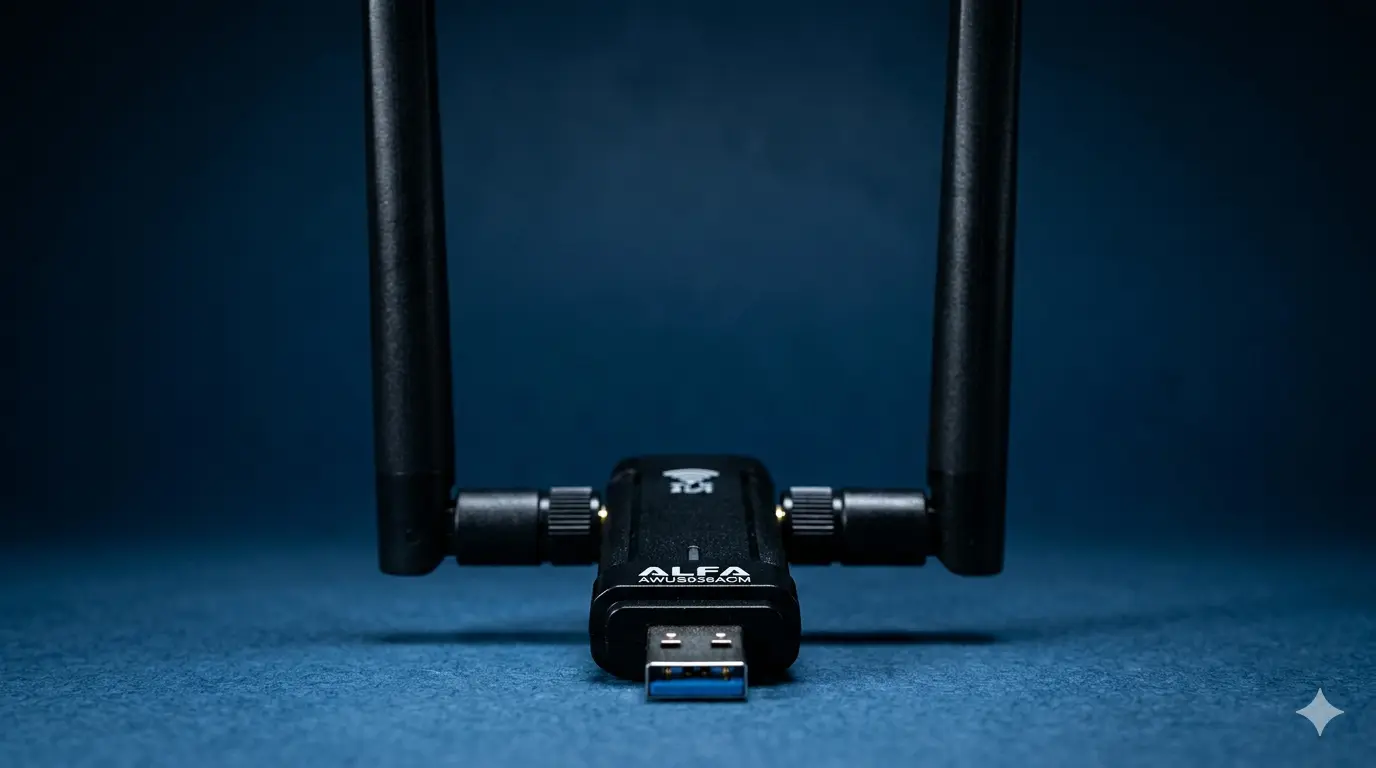
Product hero shot of Alfa AWUS036ACM USB WiFi adapter, cinematic wide angle,
deep navy blue background, dramatic studio lighting, two high-gain RP-SMA
antennas, photorealistic 3D render, 2.35:1 aspect
Variant 2 — Cinematic · Orange
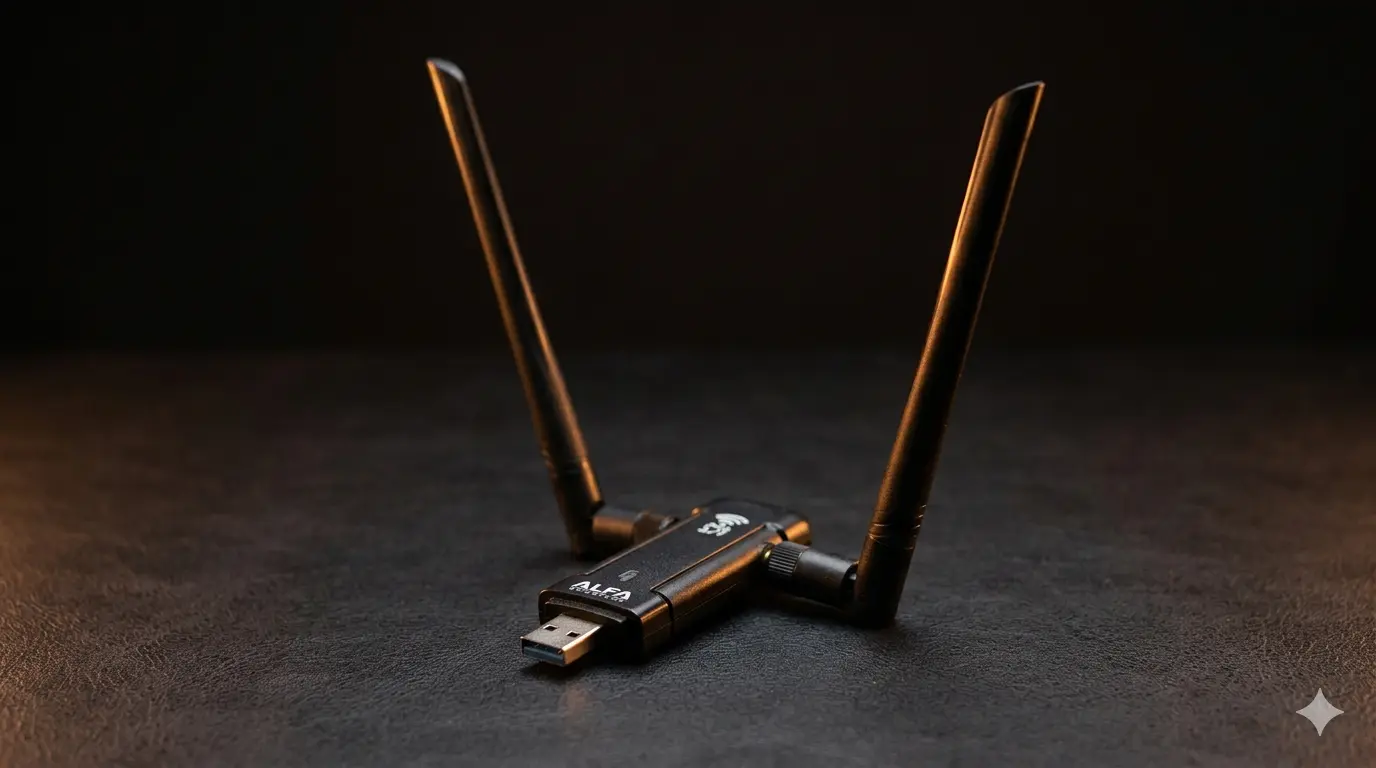
Alfa AWUS036ACM WiFi adapter, cinematic composition, burnt orange and black
backdrop, rim-lit product photography, antennas extended, professional tech
product shot, 2.35:1 aspect
Variant 3 — Widescreen · Dark Carbon
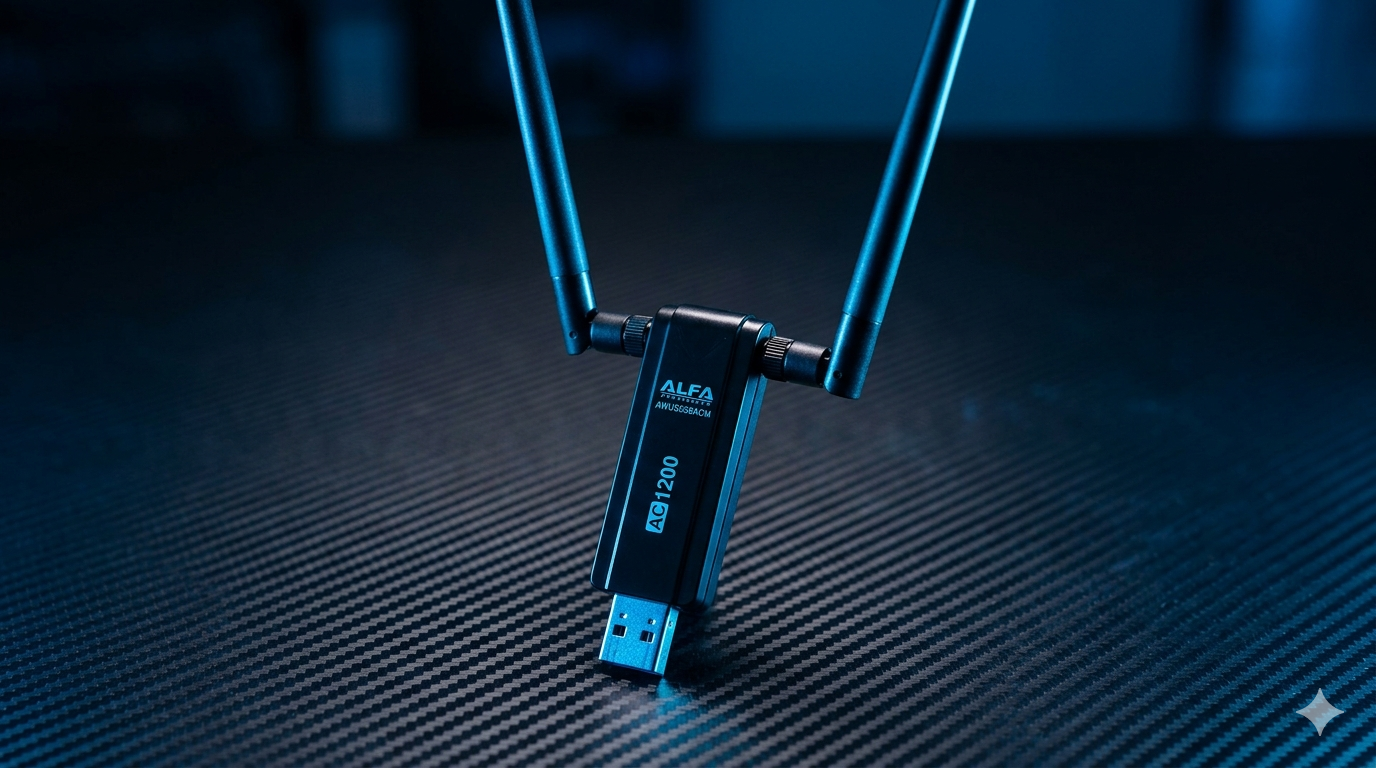
Alfa AWUS036ACM on dark carbon fiber surface, widescreen editorial tech
photography, neon blue accent light, AC1200 label visible, dual antennas,
16:9 aspect
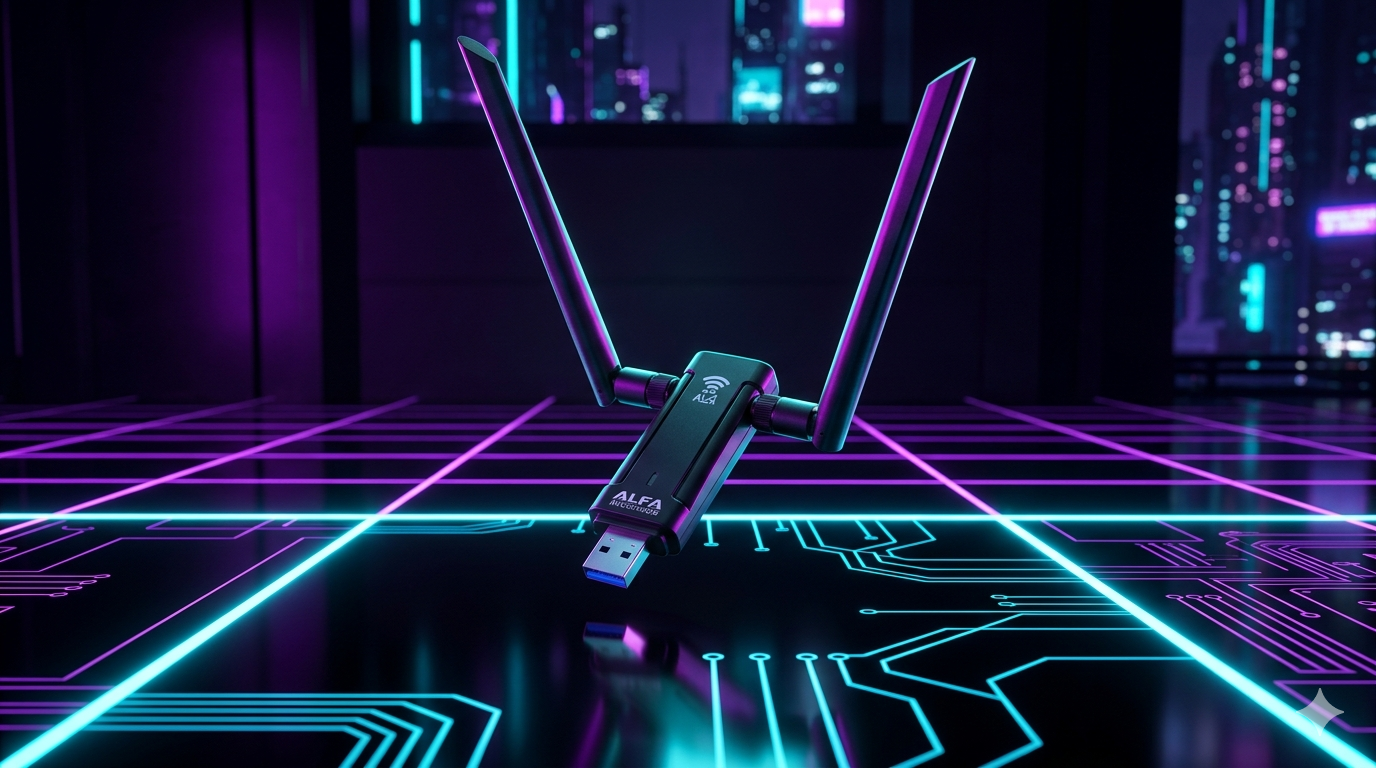
Variant 4 — Widescreen · Neon Cyberpunk
AWUS036ACM USB WiFi adapter, cyberpunk neon lighting, purple and cyan glow,
dark background, 16:9 widescreen, product floats above reflective surface
Variant 5 — Square · Minimal
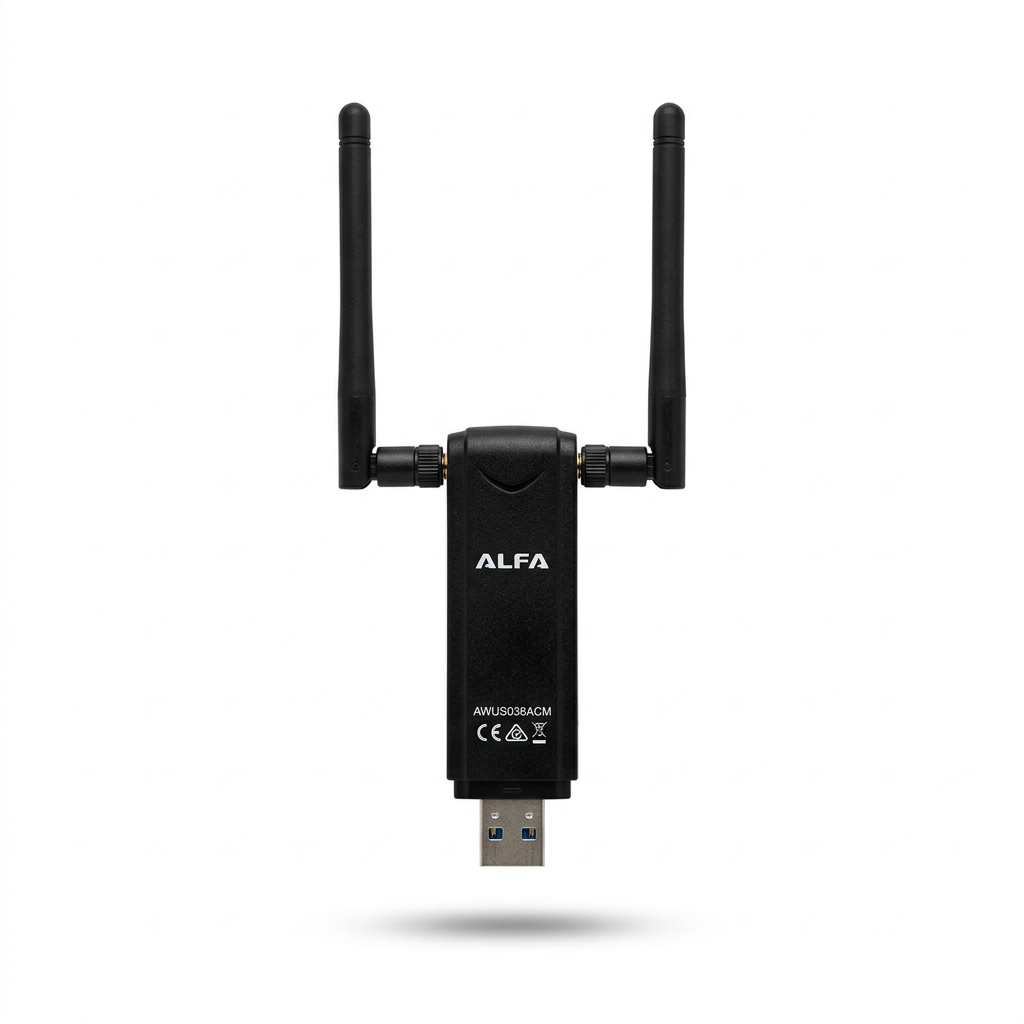
Alfa AWUS036ACM minimal product shot, white background, soft shadows, clean
tech branding, square 1:1 format, e-commerce style
Variant 6 — Square · Bold Poster
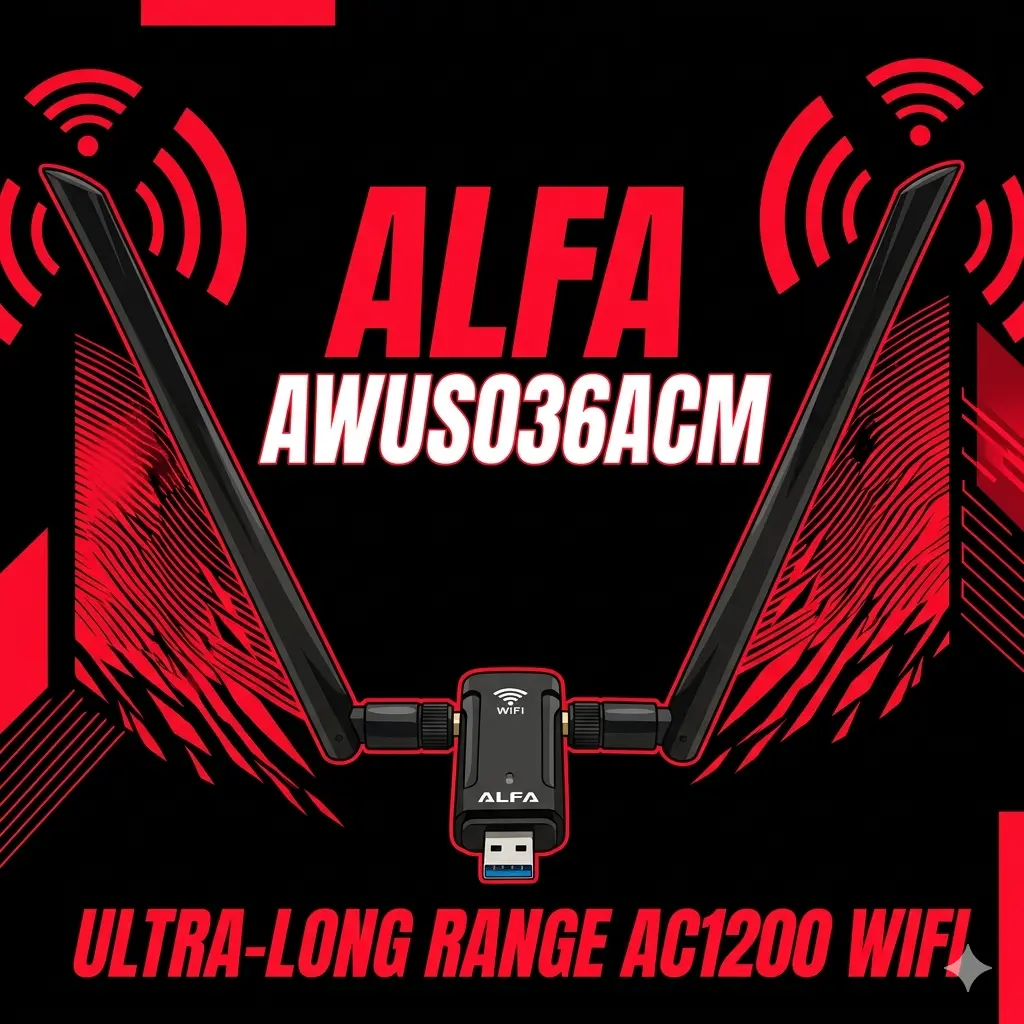
AWUS036ACM bold graphic poster, black background, high contrast, large
typography: AC1200 DUAL BAND, red accent color, 1:1 square format
Section 02 — baoyu-infographic#
Combines 21 layout types with 20 visual styles to produce infographics. The layout defines the structure (bento grid, hierarchy, timeline…); the style sets the visual language (bold graphic, technical schematic, origami…).
When to use: Product spec overviews, comparison sheets, technical explainer posts, LinkedIn content.
Style Variants#
Variant 1 — Bento Grid × Bold Graphic
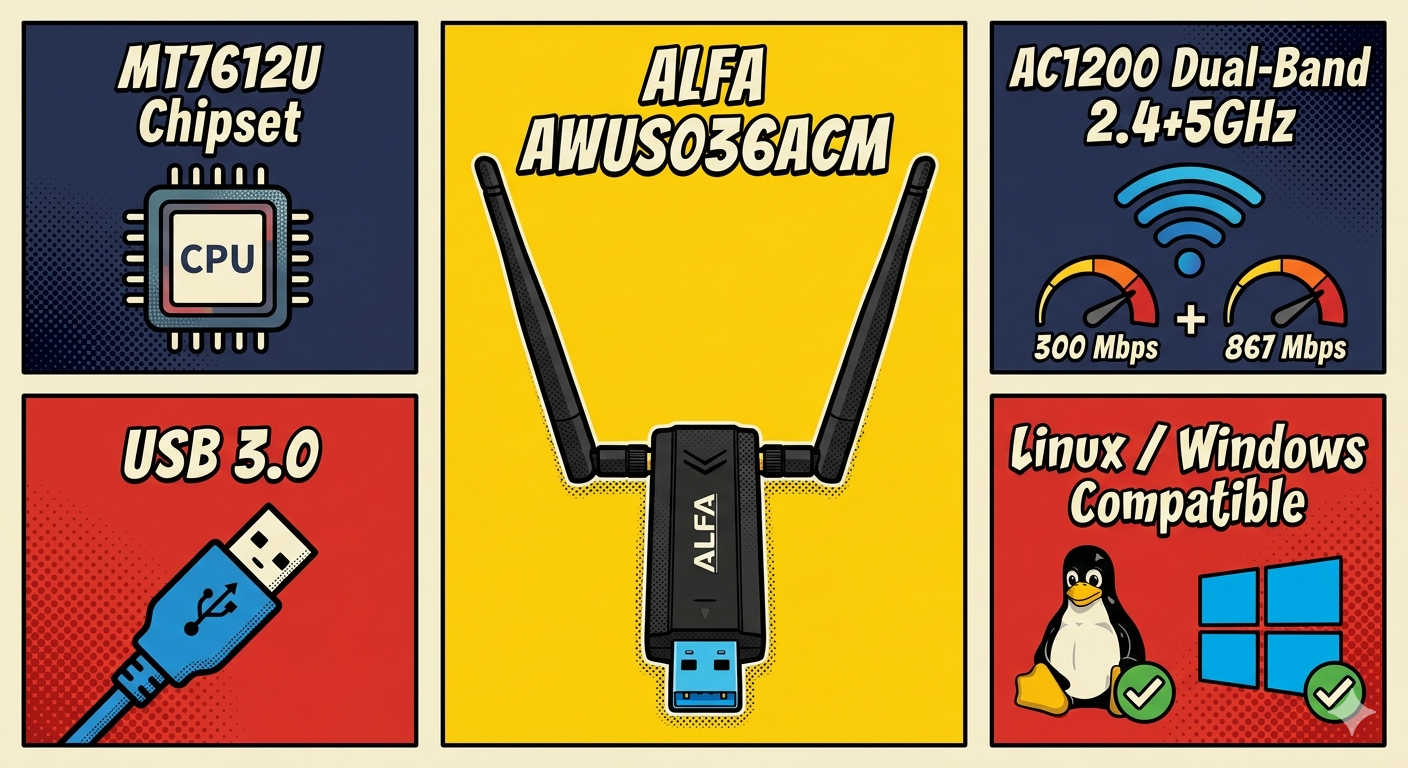
Infographic: Alfa AWUS036ACM specs, bento-grid layout, bold-graphic comic
style with halftone. Sections: chipset MT7612U, AC1200 speed, dual-band
2.4+5GHz, USB 3.0, OS compatibility Linux/Windows
Variant 2 — Bento Grid × Technical Schematic
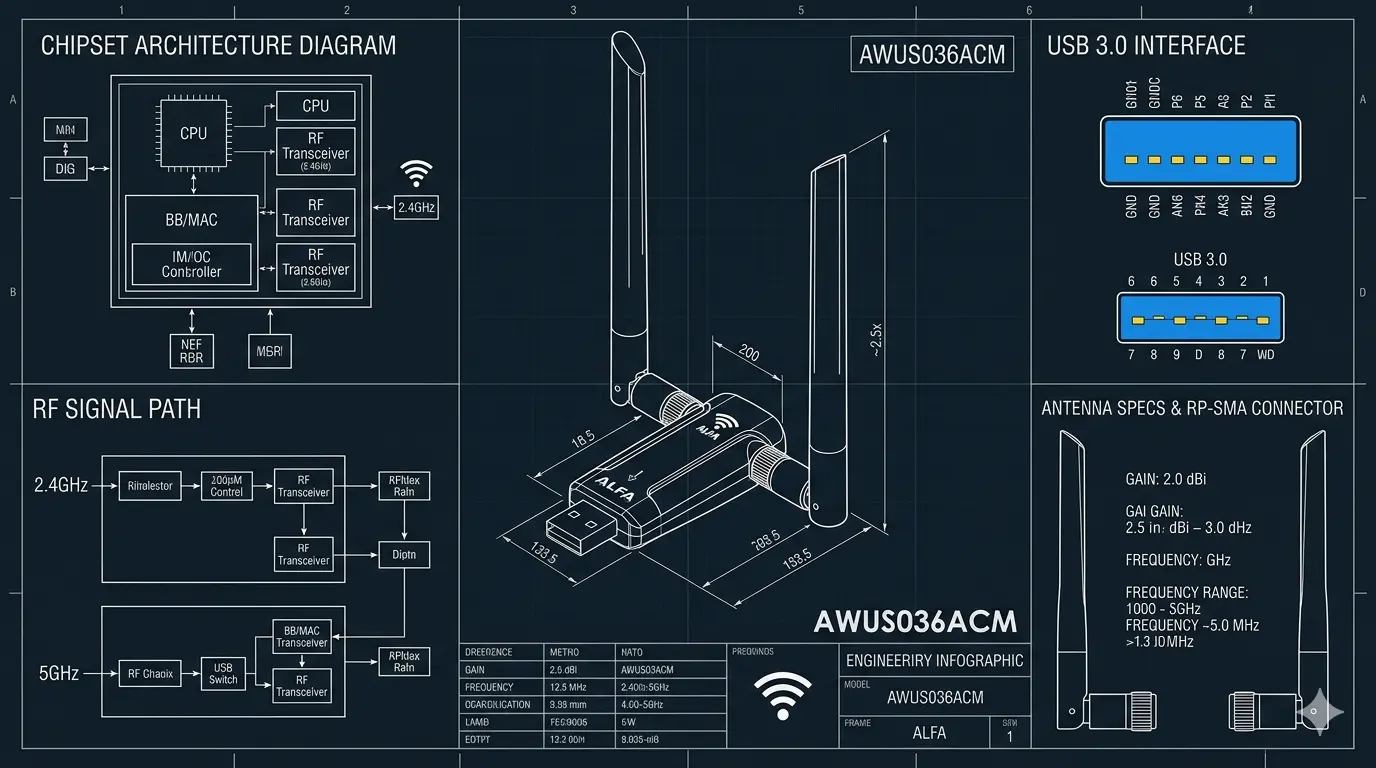
Technical schematic infographic of AWUS036ACM, blueprint engineering style,
bento-grid layout, shows RF signal path, antenna specs, USB interface,
chipset architecture
Variant 3 — Hierarchical Layers × Bold Graphic
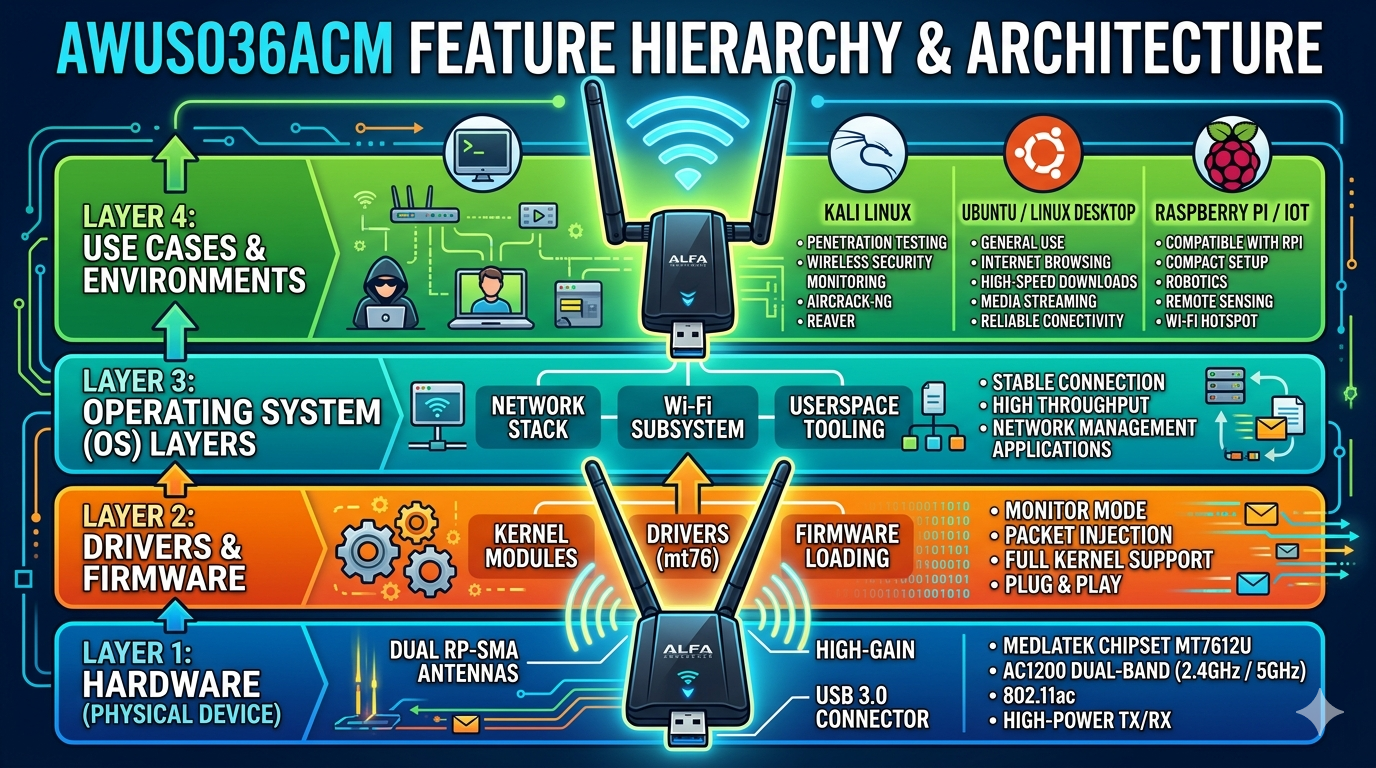
AWUS036ACM feature hierarchy infographic, layered architecture diagram, bold
graphic style, vibrant colors, shows: Hardware → Driver → OS layers → Use
cases (Kali/Ubuntu/RPi)
Variant 4 — Hierarchical Layers × Technical Schematic
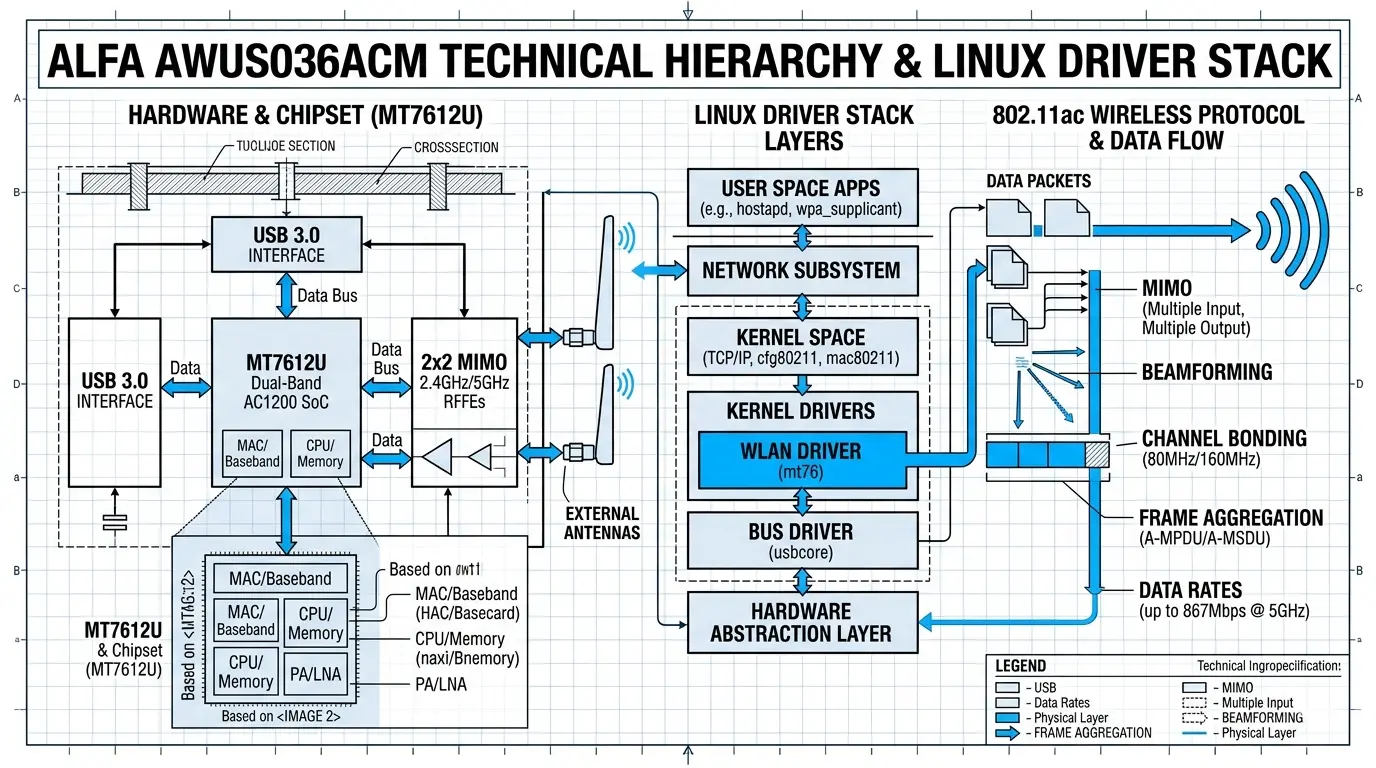
AWUS036ACM technical hierarchy: MT7612U chipset layers, driver stack (Linux
in-kernel), protocol stack 802.11ac, schematic blueprint style, monochrome
with blue accents
Variant 5 — Timeline × Origami
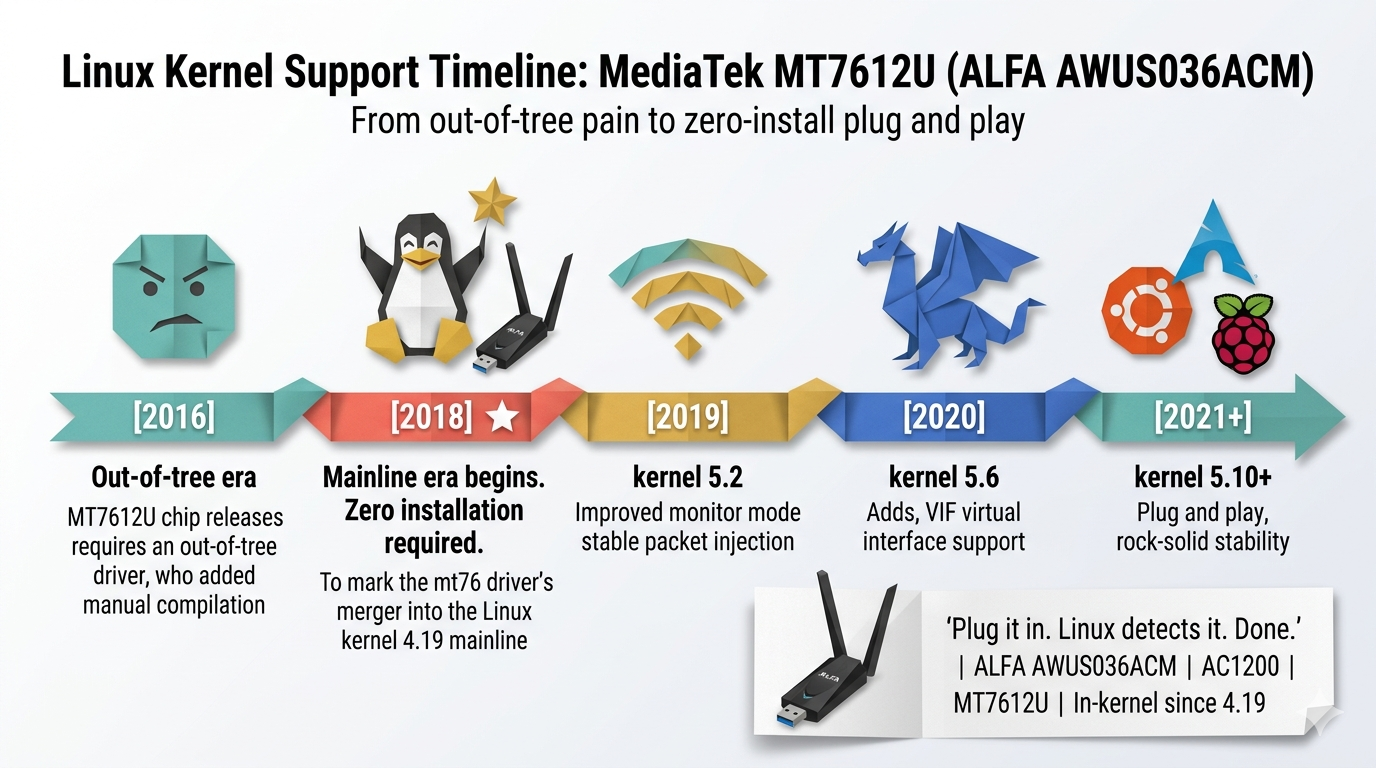
Linux kernel support timeline for MediaTek MT7612U (AWUS036ACM), origami
folded-paper style, milestones: kernel 4.19 mainline, 5.x improvements,
monitor mode support
Variant 6 — Timeline × Corporate Memphis
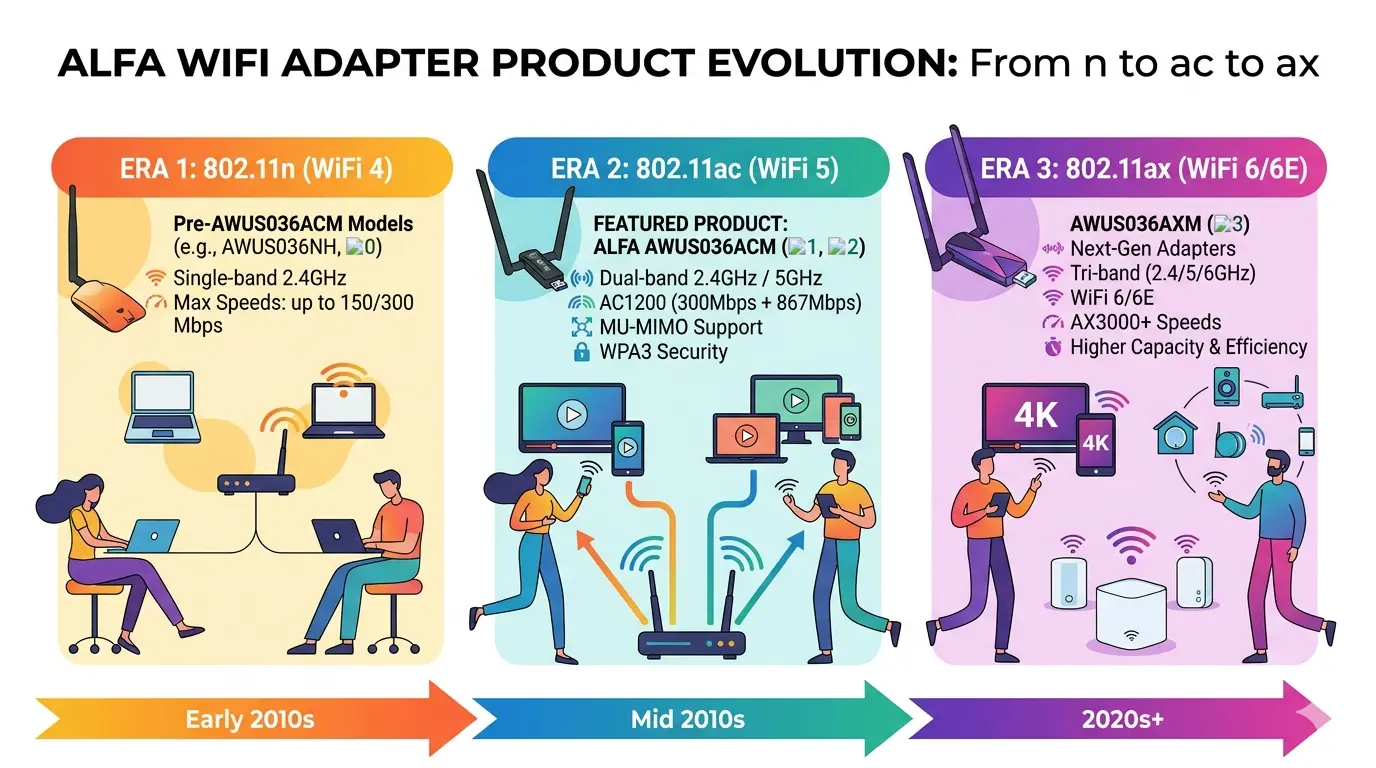
AWUS036ACM product evolution timeline, corporate memphis flat vector style,
vibrant colors, showing WiFi adapter generations from 802.11n to ac to ax
Section 03 — baoyu-xhs-images#
Generates vertical card series (3:4 aspect ratio) optimized for Xiaohongshu (XHS), Instagram, and other social platforms. 10 visual styles × 8 layout templates.
When to use: Instagram posts, XHS product cards, product-focused social media content.
Style Variants#
Variant 1 — Notion · Default
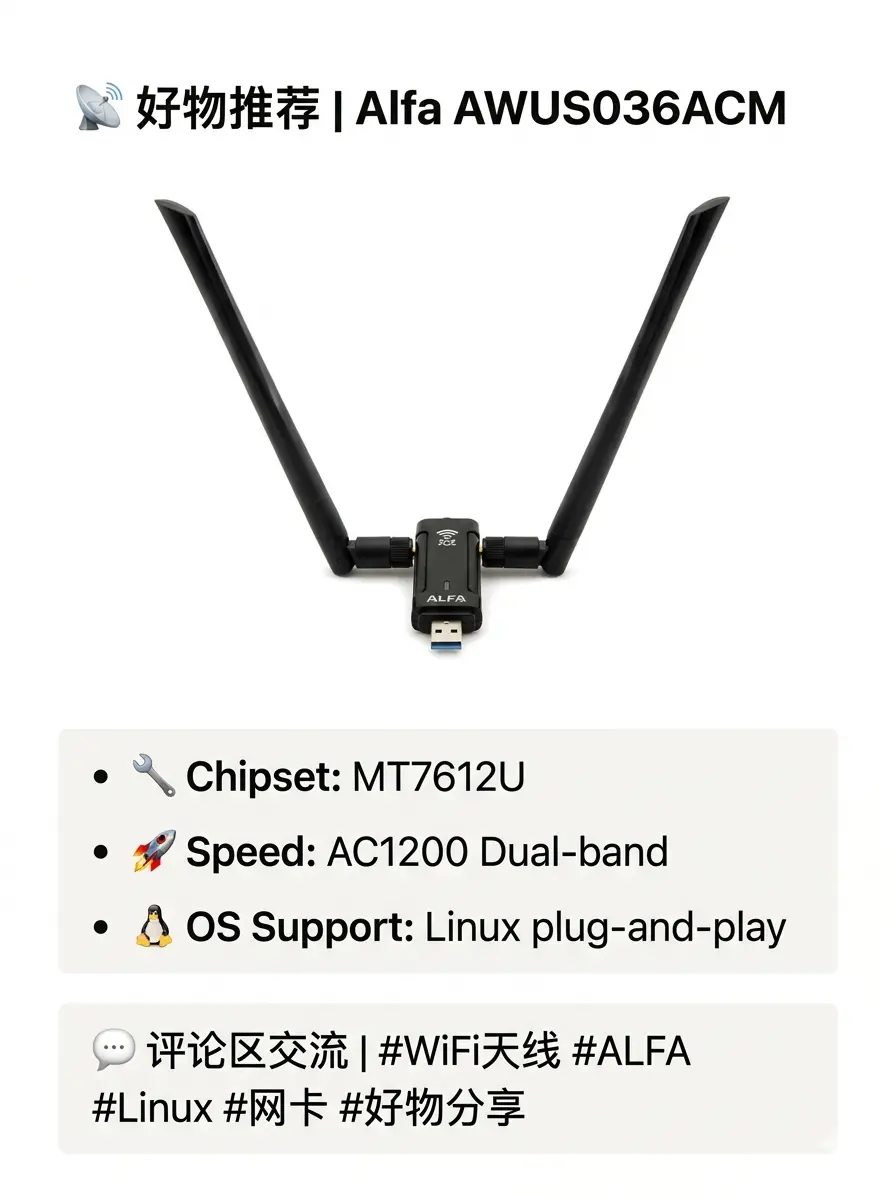
小红书风格产品种草卡片, notion简约风格, 介绍Alfa AWUS036ACM WiFi网卡, 白色背景,
简洁排版, 重点标注: MT7612U芯片/AC1200双频/Linux免驱
Variant 2 — Bold · Default
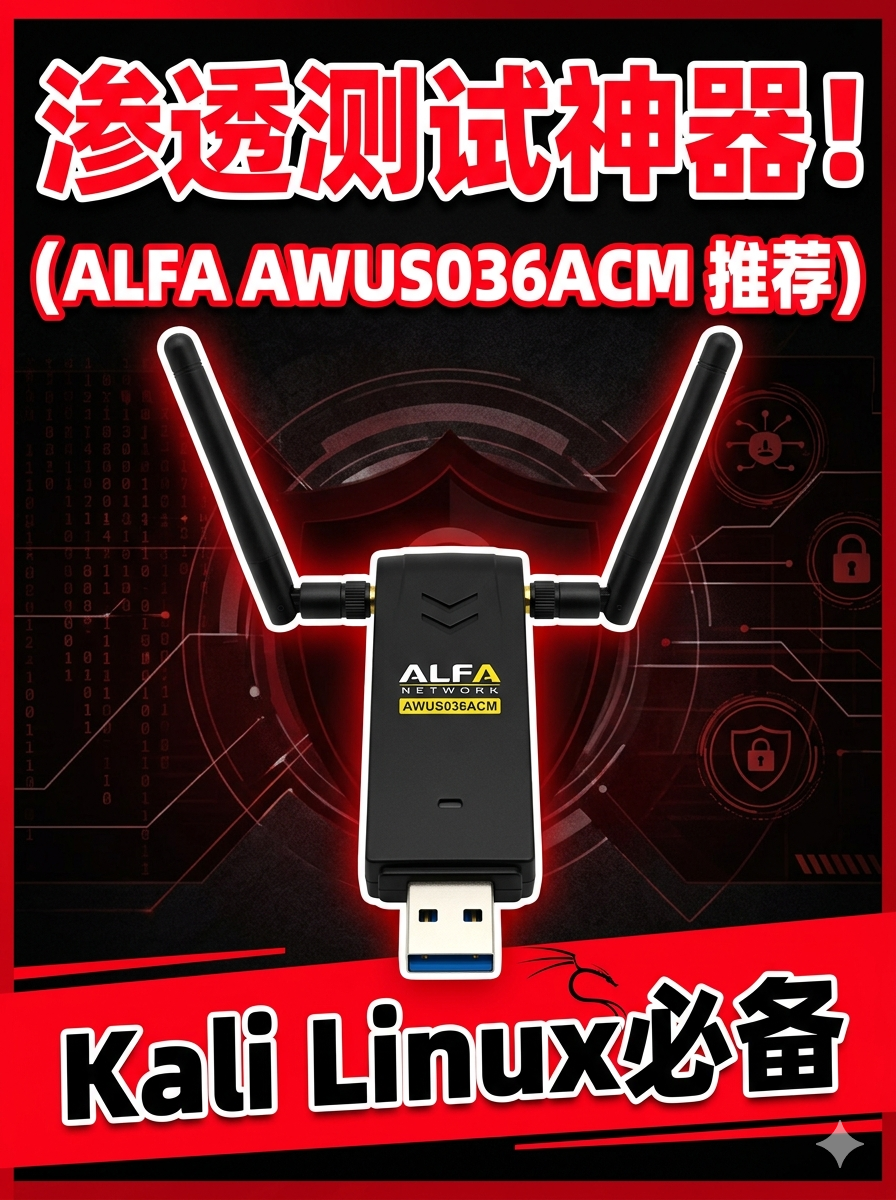
小红书爆款封面, 粗体大字bold风格, AWUS036ACM渗透测试神器推荐, 高对比度配色, 红黑白,
强烈视觉冲击, 关键词: Kali Linux必备
Variant 3 — Pastel · Default
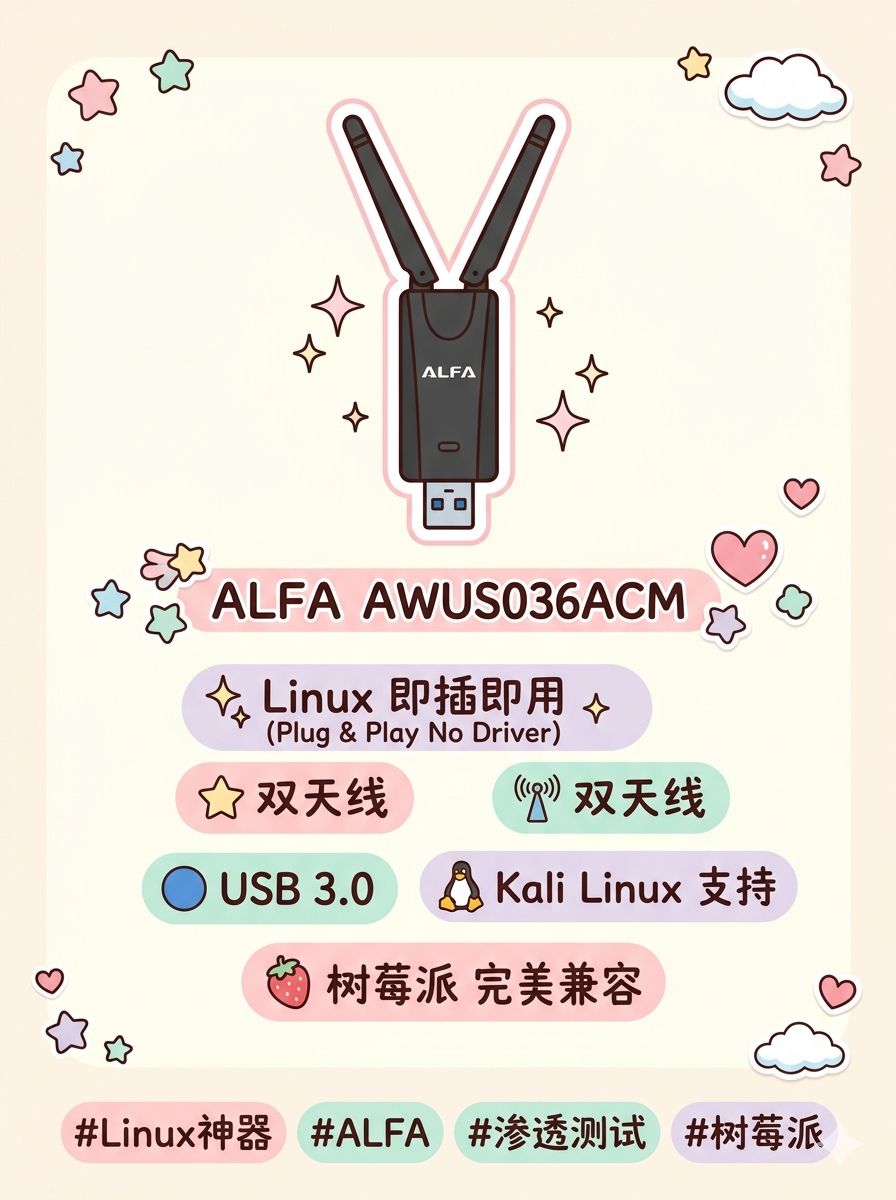
小红书粉彩风格种草图, pastel柔和色调, Alfa AWUS036ACM开箱分享, 奶油色背景,
可爱贴纸元素, 标注: 双天线/USB3.0/即插即用
Variant 4 — Notion · List Layout
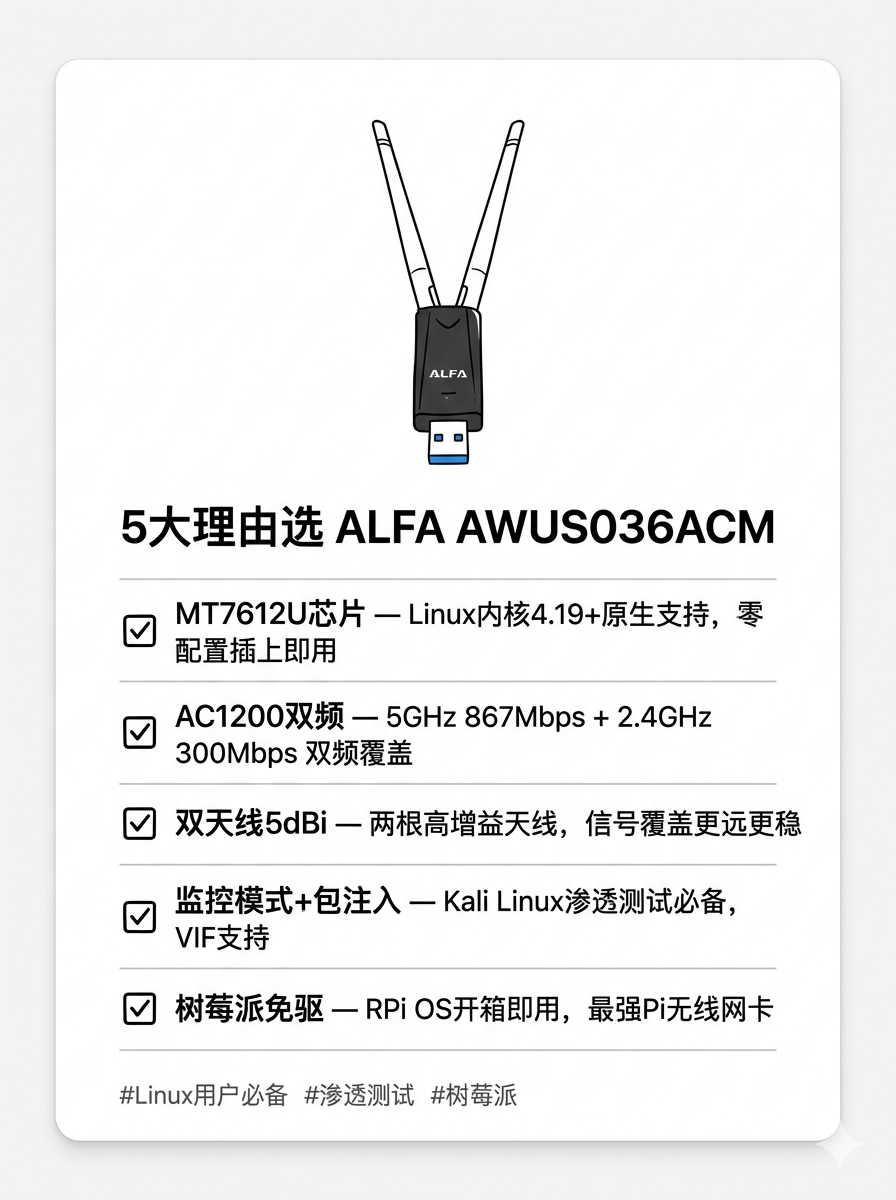
小红书notion风格清单卡片, AWUS036ACM选购指南, 横向list布局, 列出5个购买理由,
简洁checklist样式, 适合技术宅
Variant 5 — Bold · Comparison
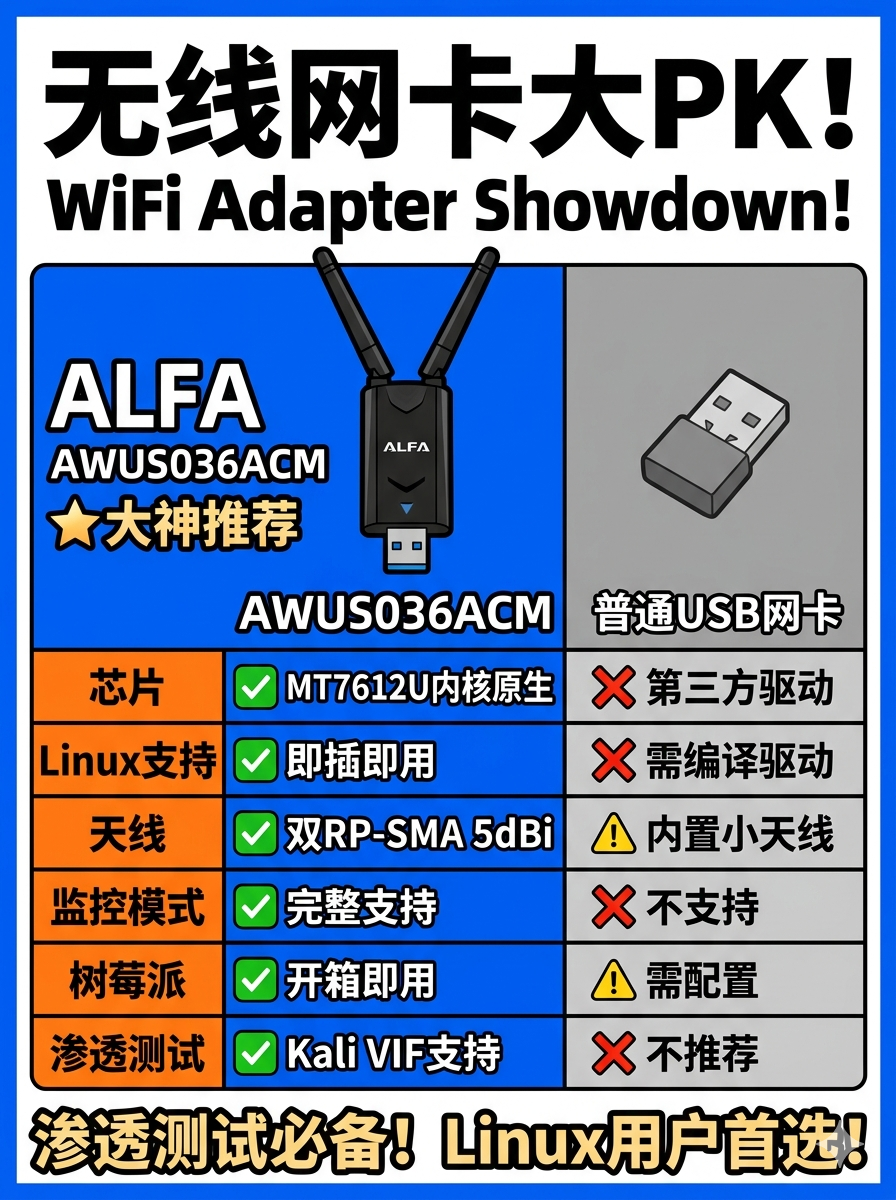
小红书对比信息卡, bold风格, AWUS036ACM vs 普通WiFi网卡对比表, 左右对比布局,
突出MT7612U优势, 醒目配色
Variant 6 — Pastel · Timeline
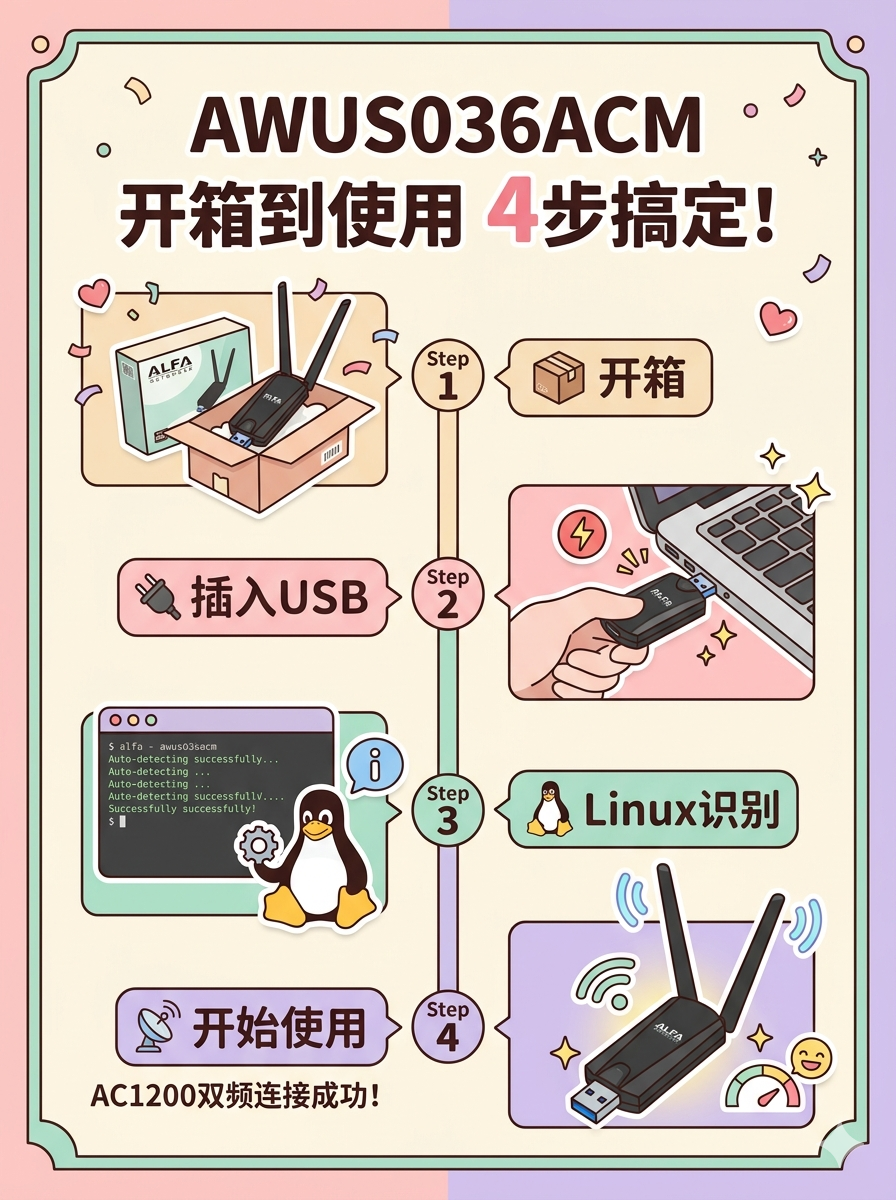
小红书pastel时间线卡片, AWUS036ACM从开箱到使用的步骤图, 纵向timeline布局,
温柔色调, 步骤: 开箱→插入USB→Linux免驱识别→开始使用
Section 04 — baoyu-comic#
Creates sequential art in multiple styles: Japanese manga, Korean webtoon, educational strip. Supports both single panels and multi-panel narratives.
When to use: Social media engagement content, product tutorials explained visually, educational explainers.
Style Variants#
Variant 1 — Manga · Tech Product Review
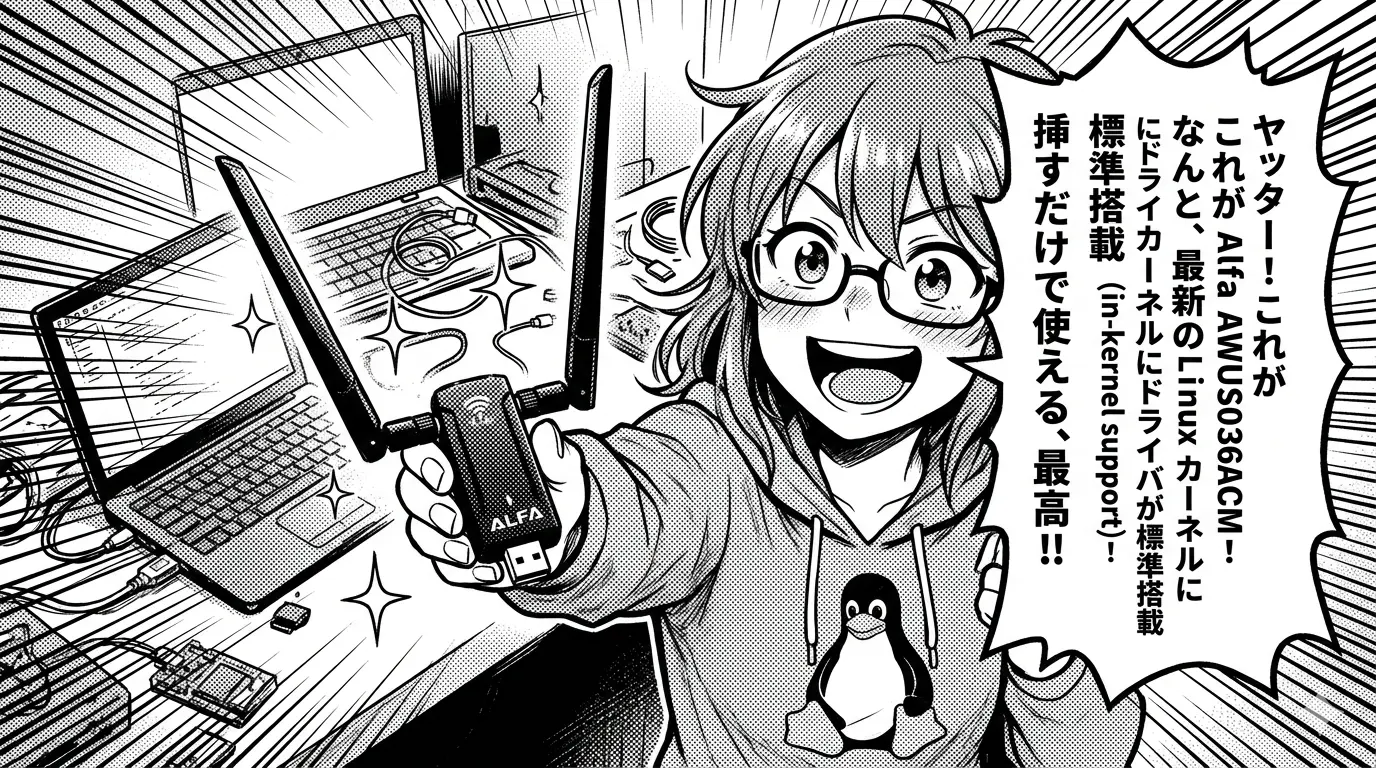
Manga-style comic panel, tech reviewer character unboxing Alfa AWUS036ACM,
excited expression, speech bubble: "MT7612U in-kernel support?!", black and
white with screen tones, Japanese manga style
Variant 2 — Manga · Fun 3-Panel Strip

Fun manga comic strip 3-panels: panel1=struggling with WiFi drivers,
panel2=discovers AWUS036ACM, panel3=celebrating with Kali Linux working
perfectly. Chibi style characters
Variant 3 — Webtoon · Educational
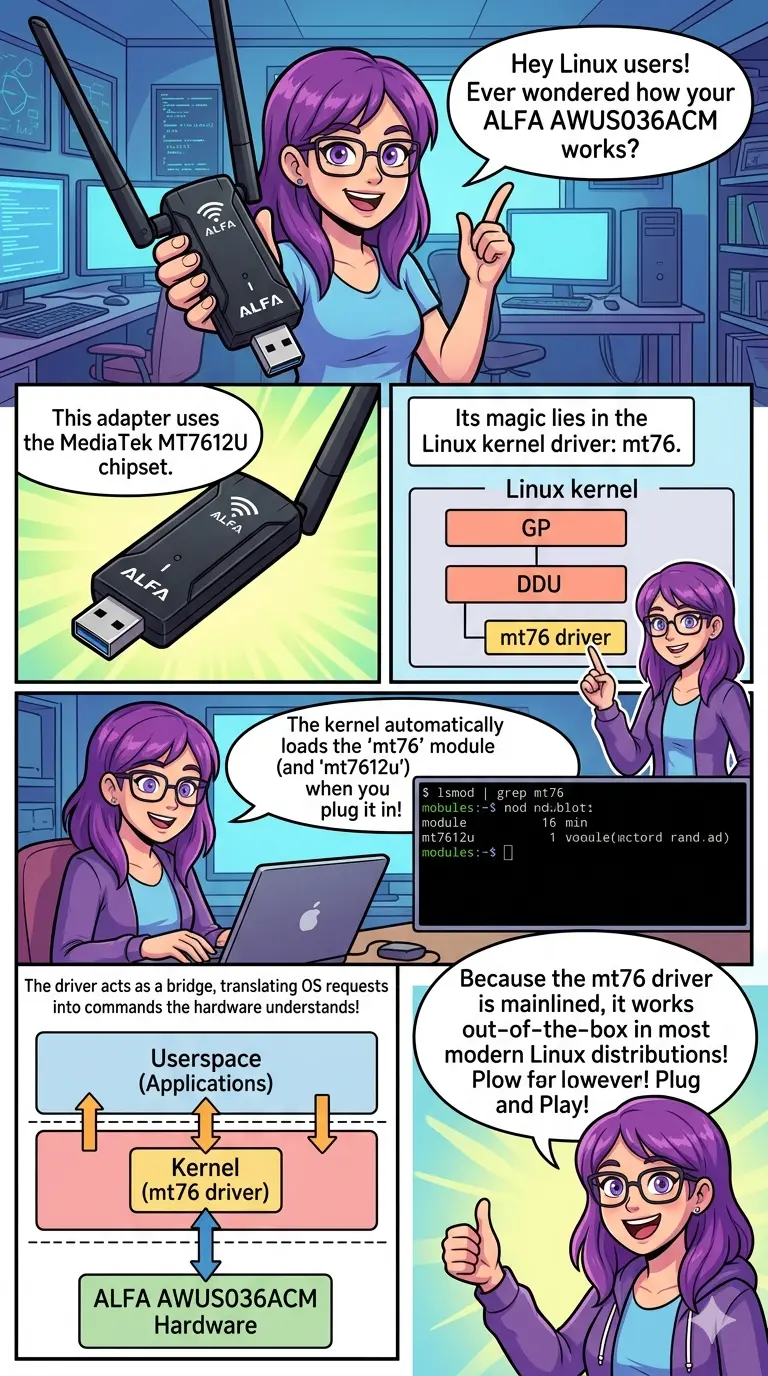
Webtoon vertical comic, educational explainer about how MediaTek MT7612U
driver works in Linux kernel, clean digital art style, character explains with
diagrams, colorful webtoon aesthetic
Variant 4 — Webtoon · Minimal
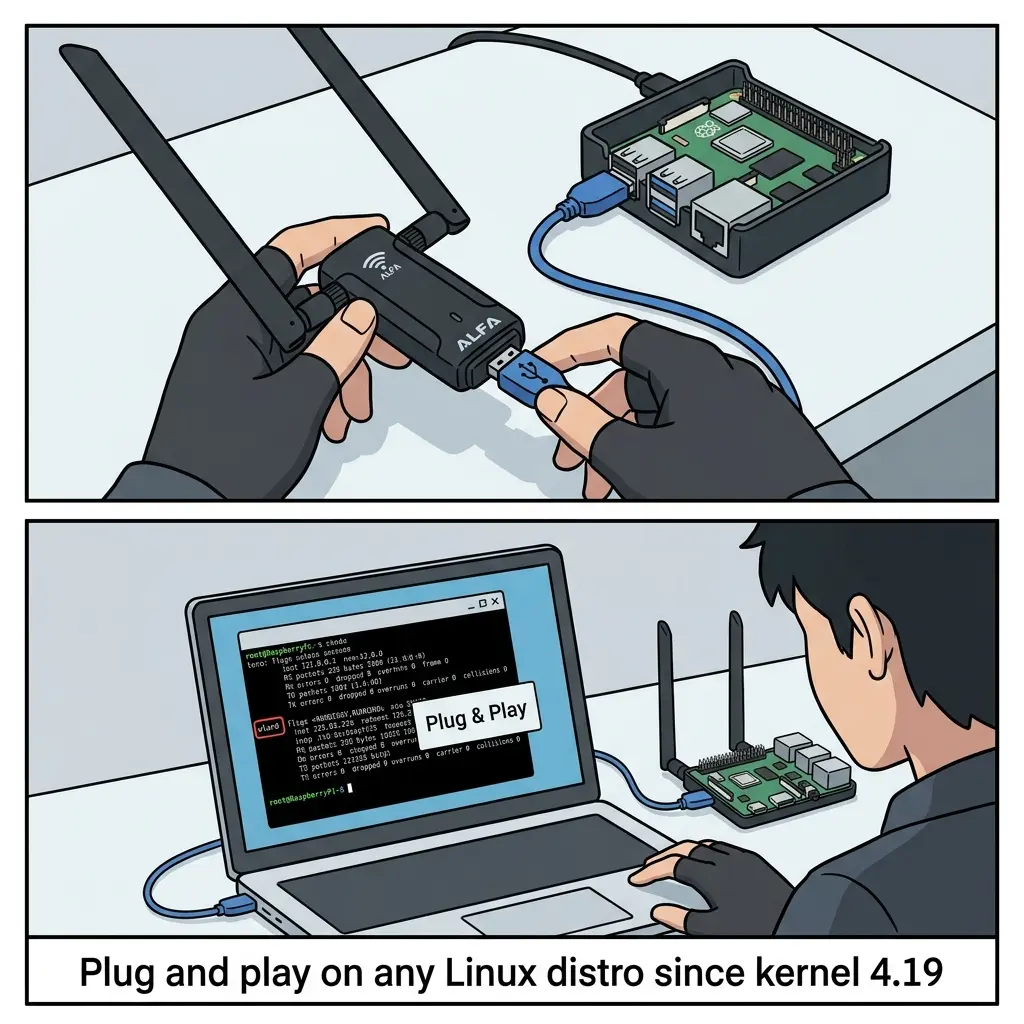
Minimal webtoon style, 2-panel: hacker character with AWUS036ACM + Raspberry
Pi, clean lines, flat colors, caption: "Plug and play on any Linux distro
since kernel 4.19"
Section 05 — baoyu-article-illustrator#
Analyzes an article’s structure and generates context-appropriate illustrations for each section. Uses a Type × Style two-dimensional approach.
When to use: Technical blog articles that need inline illustrations to explain concepts.
Style Variants#
Variant 1 — RF Signal Diagram
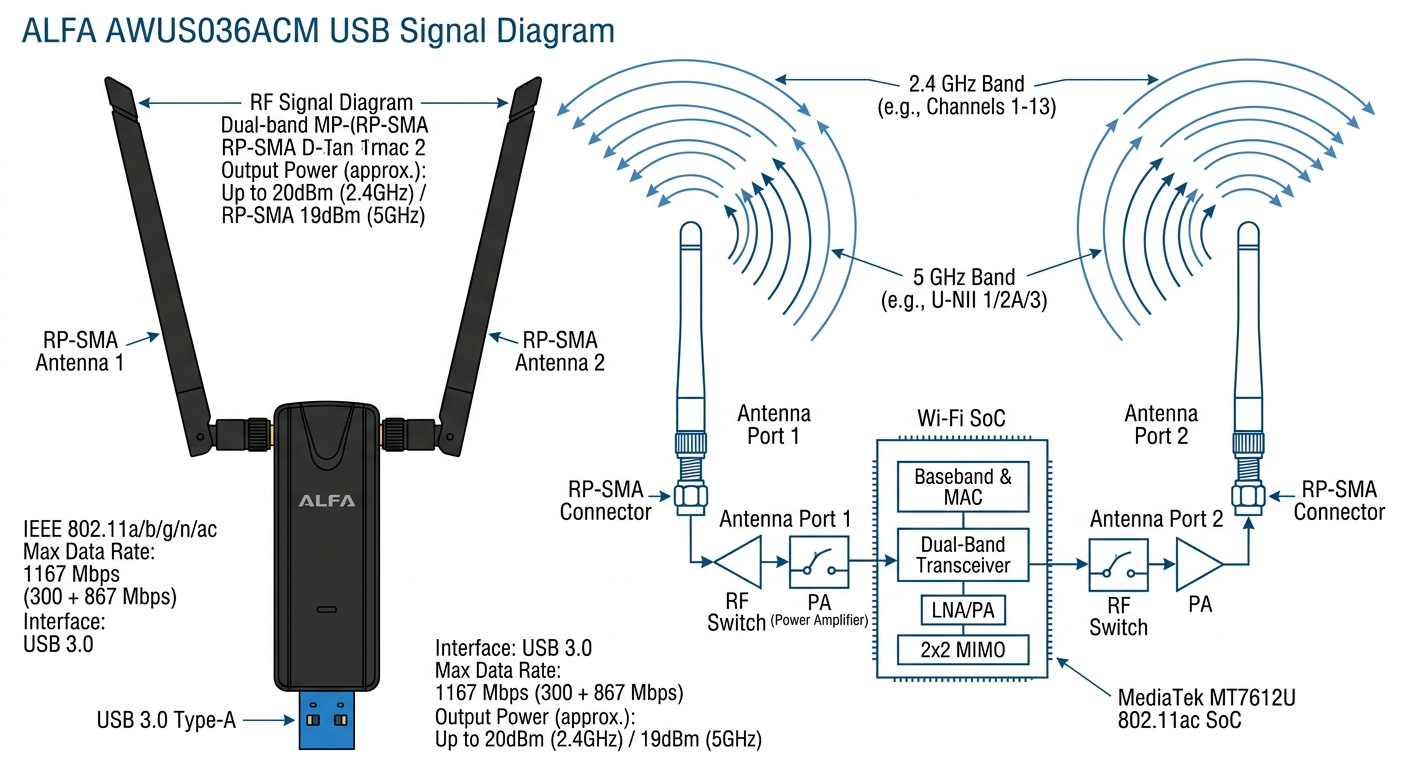
Technical RF signal diagram for AWUS036ACM, shows 2.4GHz and 5GHz signal
paths from MT7612U chip to dual RP-SMA antennas, clean engineering
illustration, blue on white
Variant 2 — Lifestyle Scene

Lifestyle scene illustration: AWUS036ACM connected to laptop, person doing
WiFi security research, Kali Linux terminal visible on screen, cozy home
office setting, digital art style
Variant 3 — Spec Icon Sheet
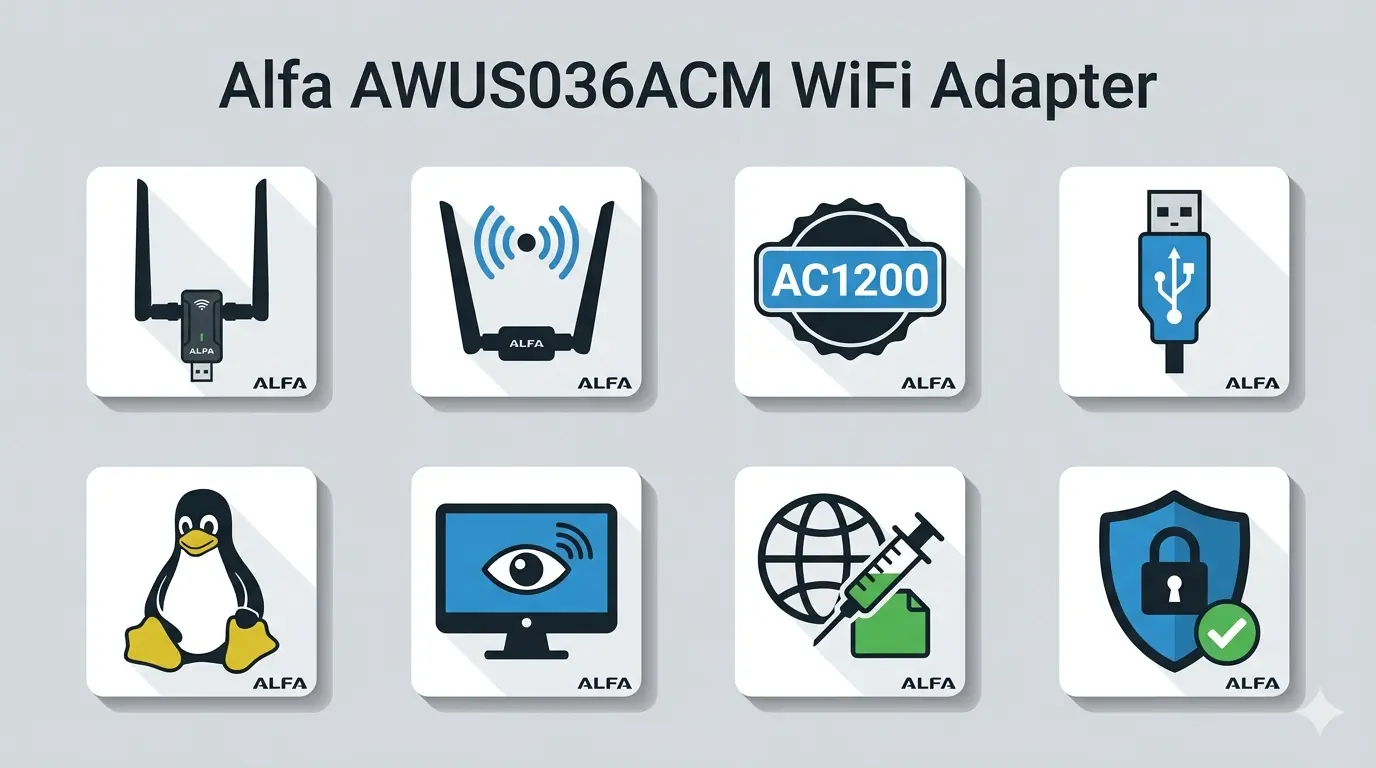
Icon sheet illustration: 8 icons representing AWUS036ACM features — dual
antenna, AC1200 badge, USB 3.0 connector, Linux penguin, monitor mode symbol,
packet injection, RPi logo, security shield. Flat design
Variant 4 — Hero Banner
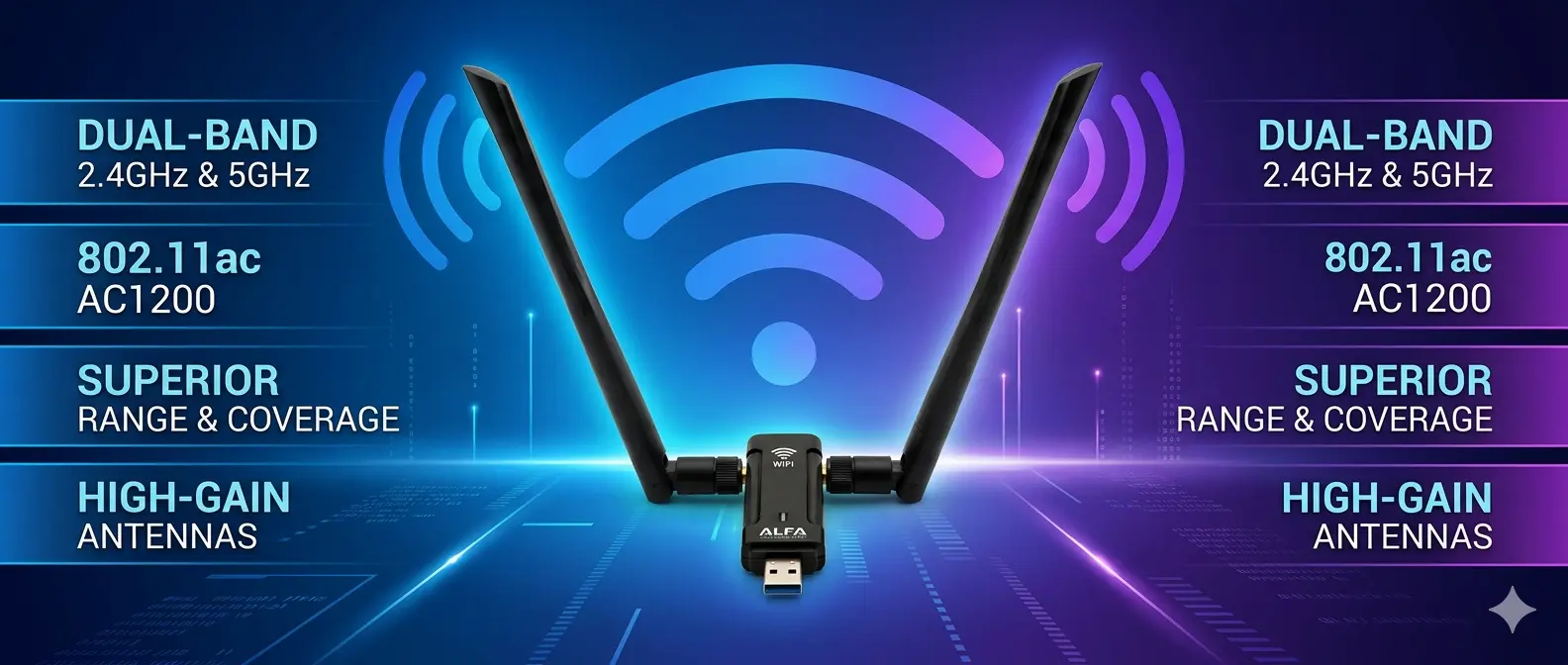
Hero banner illustration for AWUS036ACM product page, wide format, adapter
floating center with WiFi signal waves, specs text panels on sides, tech
gradient background
Section 06 — baoyu-imagine#
Free-form AI image generation with maximum creative freedom. No fixed layout or style constraints — describe any visual you need.
When to use: Product renders for e-commerce, lifestyle photography replacements, technical exploded views, custom scene generation.
Style Variants#
Variant 1 — Photorealistic Front View
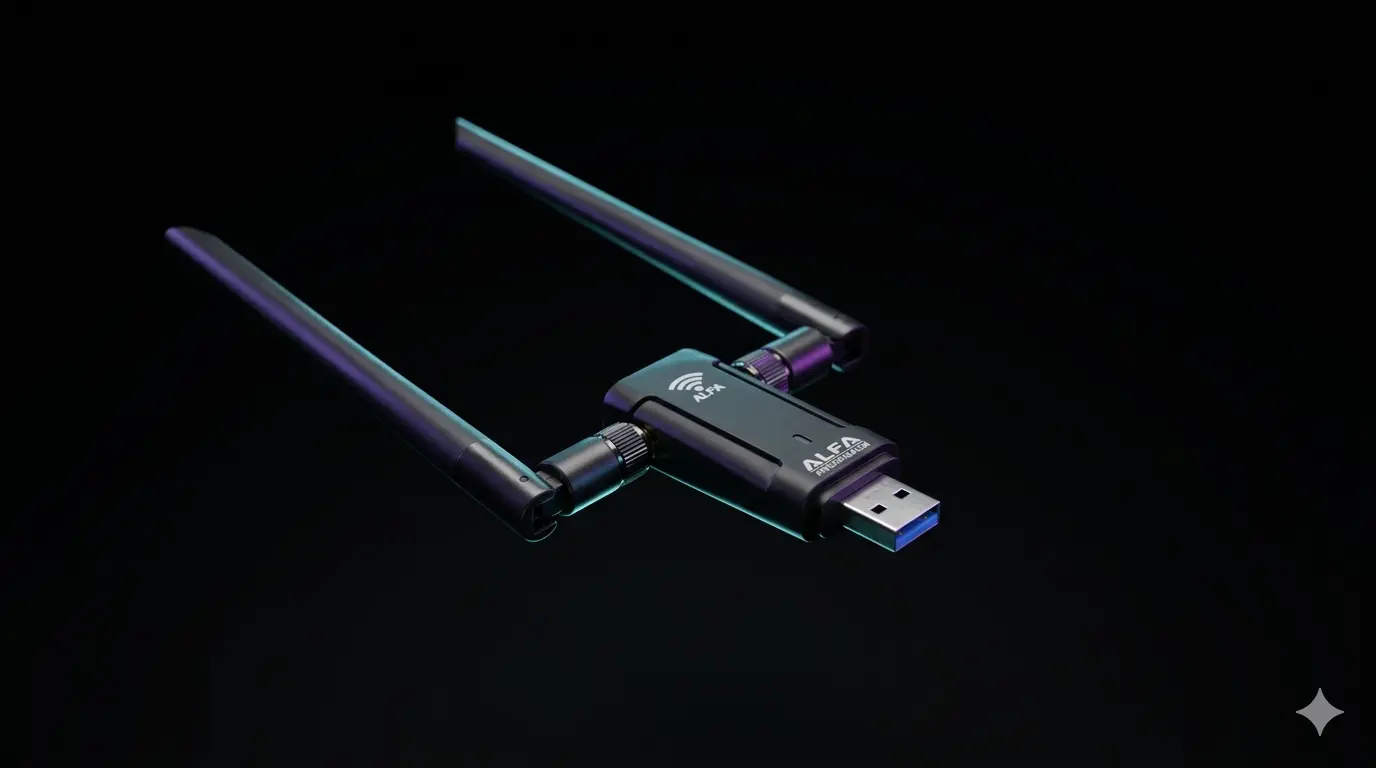
Photorealistic product render of Alfa AWUS036ACM WiFi USB adapter, front view,
black housing, two adjustable RP-SMA antennas, USB 3.0 connector visible,
white background, studio lighting
Variant 2 — 3/4 Angle Product Render
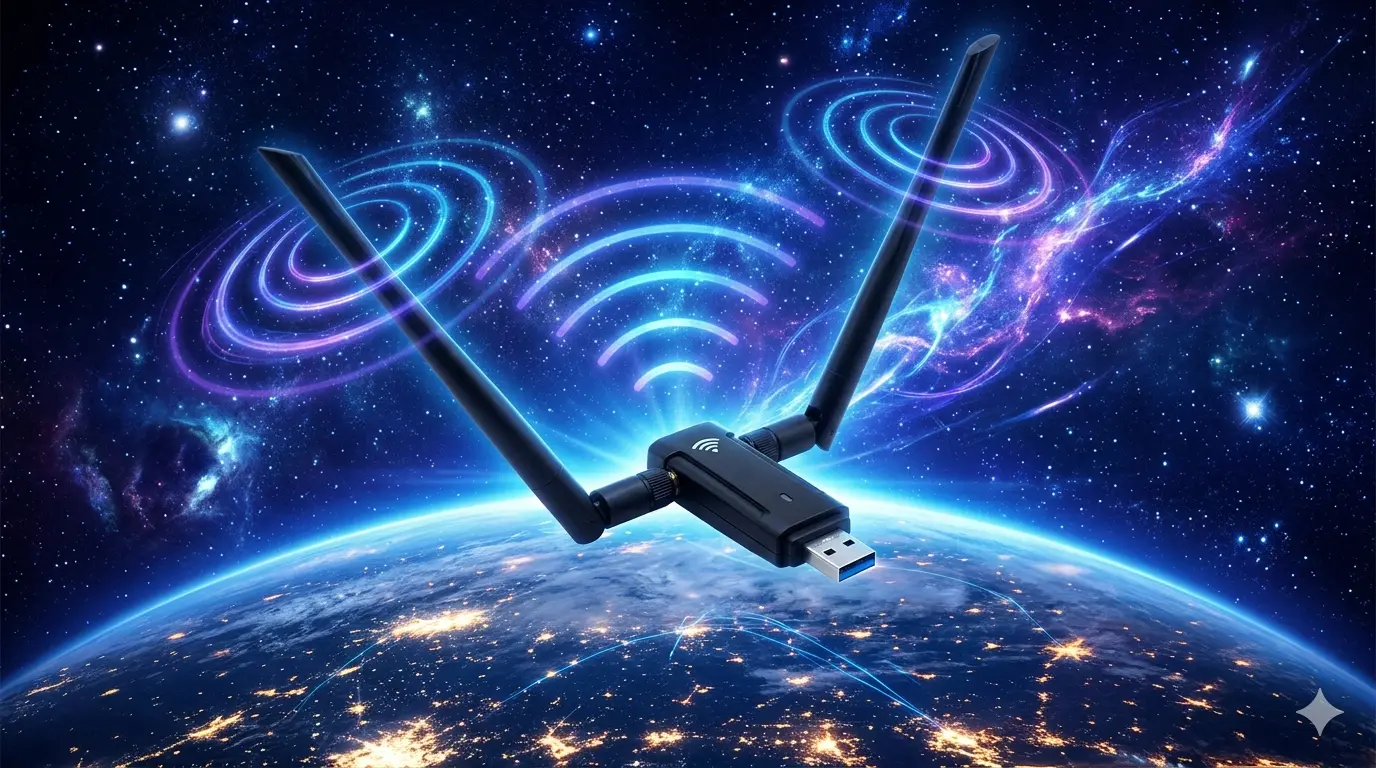
Alfa AWUS036ACM 3/4 angle product render, showing side profile, antenna
adjustment, LED indicator, clean white background, soft shadows, commercial
photography style
Variant 3 — Lifestyle Scene
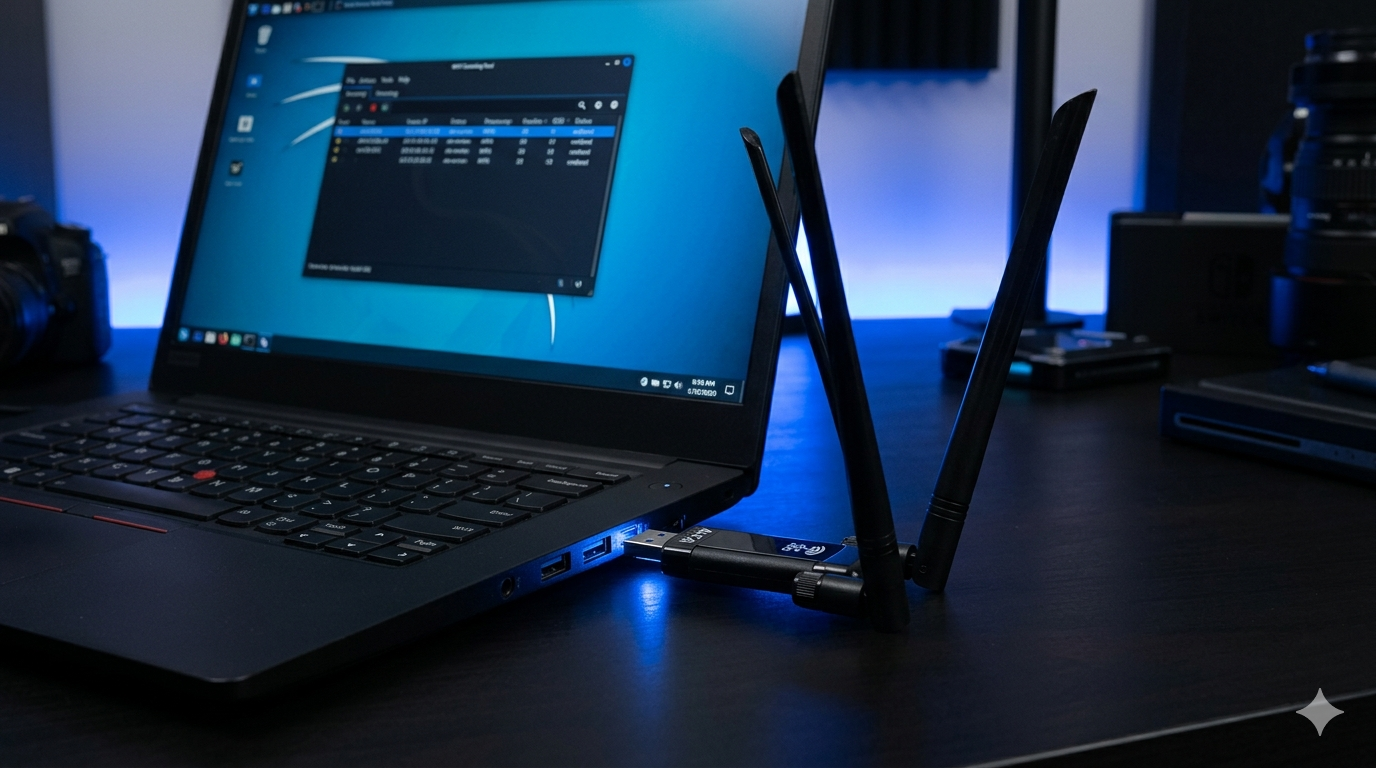
Lifestyle product photo: AWUS036ACM plugged into a laptop USB port, Kali Linux
desktop visible on screen with WiFi scanning tool, dark desk setup, blue LED
glow
Variant 4 — Technical Exploded View
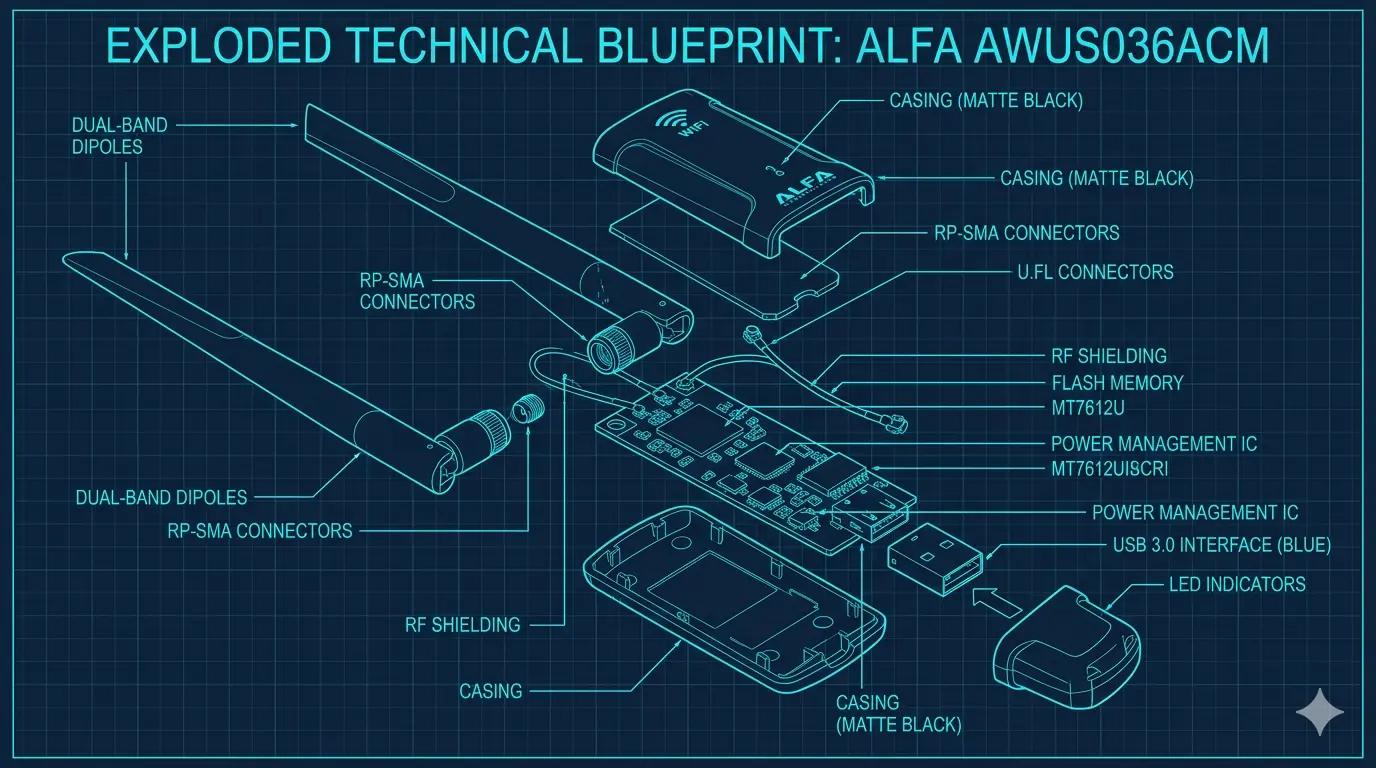
Technical exploded view illustration of AWUS036ACM internals: PCB with
MT7612U chip, USB 3.0 connector, antenna connectors, RF shielding can, labels
for each component
How to Use This as a Style Reference#
Use this article as a lookup table whenever you need to generate a marketing image. The decision flow is simple:
1. What platform is this image for?
| Platform | Recommended Skill | Aspect Ratio |
|---|---|---|
| Blog article cover | baoyu-cover-image | Cinematic 2.35:1 or Widescreen 16:9 |
| Instagram / XHS post | baoyu-xhs-images | 3:4 vertical |
| LinkedIn / Twitter | baoyu-cover-image (square) | 1:1 |
| Technical article inline | baoyu-article-illustrator | Varies |
| Presentation slide | baoyu-slide-deck | 16:9 |
| Product page render | baoyu-imagine | Custom |
| Spec overview post | baoyu-infographic | Varies |
| Social engagement content | baoyu-comic | Varies |
2. Choose your style — find the variant in this article that matches your brand tone, copy the prompt, and replace the product name and key specs with your target product.
3. Run the skill in GitHub Copilot CLI:
# Example — generate a cover image
/baoyu-cover-image

# Example — generate an Instagram card
/baoyu-xhs-images

# Example — generate a product render
/baoyu-imagine
4. Follow the skill’s guided prompts — each skill will ask clarifying questions about style, dimensions, and content before generating.
常見問題
What is baoyu-skills?
baoyu-skills is an open-source plugin collection for GitHub Copilot CLI, offering 19 skills covering image generation, HTML output, translation, and social media publishing, all callable from the terminal.
Which baoyu-skill is best for generating blog cover images?
baoyu-cover-image is designed for article covers. It supports cinematic 2.35:1, widescreen 16:9, and square 1:1 aspect ratios with multiple color and rendering styles.
How do you use baoyu-skills in GitHub Copilot CLI?
After installing the plugin collection, type commands like /baoyu-cover-image or /baoyu-xhs-images in the terminal. The skill walks you through style, size, and content questions before generating the image.
What image output types do baoyu-skills support?
Type A covers cover images, infographics, comics, slides, product renders, and Xiaohongshu vertical cards. Type B generates styled HTML. Type C handles translation and social publishing.
How can I adapt baoyu-skills for my own products?
Find a variant that matches your brand tone, copy the prompt, swap in your product name and key specs, then run the corresponding skill in Copilot CLI.
About baoyu-skills#
The full baoyu-skills plugin collection is available on GitHub:
➜ github.com/JimLiu/baoyu-skills
All images in this article were generated using the skills above, with the ALFA AWUS036ACM as the product subject. The complete prompt reference for all images is documented in our internal workflow guide.
Want to learn more about the AWUS036ACM — the product used as our example throughout this guide?
View AWUS036ACM Product Page